

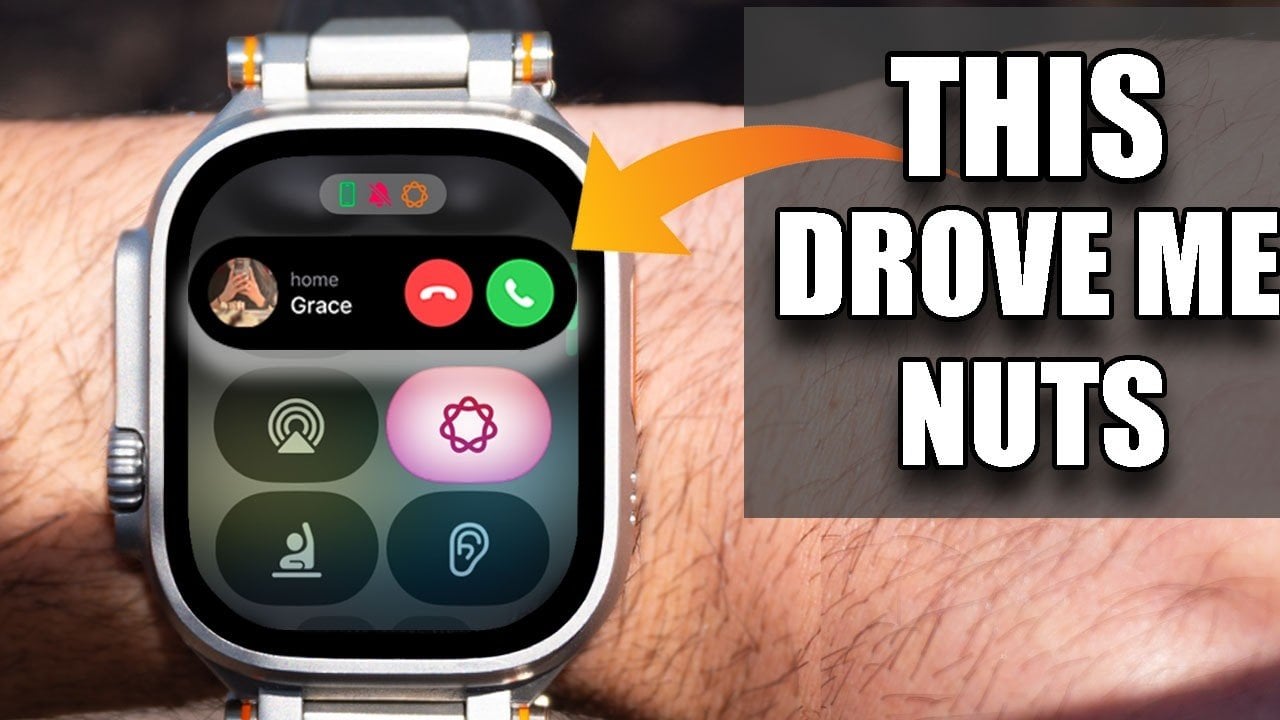
The Apple Watch is a powerful and versatile device that combines convenience with functionality, but it’s not without its occasional challenges. From managing notifications to resolving connectivity issues, these common problems can sometimes hinder your experience. By addressing these concerns with practical solutions, you can ensure your Apple Watch operates seamlessly and enhances your daily life.

Streamline Notifications for Better Focus
While notifications are a core feature of the Apple Watch, receiving too many can quickly become overwhelming. To regain control and reduce distractions:
- Turn off unnecessary alerts, such as “Breathe” reminders, by adjusting the settings in the Mindfulness app. This ensures you only receive notifications that are truly relevant to you.
- If you use Apple Maps with CarPlay, disable navigation alerts on your watch. This prevents duplicate notifications and keeps your focus on the road.
By customizing your notification preferences, you can create a more focused and less intrusive experience, allowing you to prioritize what matters most.
Optimize Workout Tracking for a Smoother Experience
The Apple Watch’s workout tracking feature is a standout tool for fitness enthusiasts, but it can sometimes feel cumbersome. To make your fitness sessions more efficient:
- Skip the workout timer by simply tapping the screen to start or stop your session. This eliminates unnecessary delays and keeps your workouts on track.
- Disable the screenshot feature to avoid accidental captures when pausing or adjusting your workout. This can be done in the settings under “General” and “Screenshots.”
These small adjustments can significantly improve your workout tracking experience, making it more intuitive and less prone to interruptions.
Resolve Bluetooth Connectivity Problems
Bluetooth connectivity issues can disrupt your listening experience, especially when switching between devices like AirPods or other headphones. To ensure a stable and reliable connection:
- Manually connect your Bluetooth headphones through the Control Center on your Apple Watch. This proactive step helps prevent connection drops and ensures smooth audio performance.
Taking control of your Bluetooth settings can save time and frustration, allowing you to enjoy uninterrupted music or calls.
Use Device Location Features to Stay Organized
Misplacing your iPhone or other devices can be stressful, but your Apple Watch offers tools to help you locate them quickly and efficiently:
- Ping your iPhone from the Control Center on your watch. This feature makes your iPhone emit a sound or flash its light, making it easier to find, even in a cluttered space.
- Manage AirTags directly from your watch to track items like keys, bags, or other essentials. This is particularly useful for staying organized in busy or chaotic situations.
These features enhance your ability to stay connected and organized, reducing the stress of misplaced items.
Enhance Music Playback for Convenience
Your Apple Watch can double as a standalone music player, offering a convenient way to enjoy your favorite tracks when other devices aren’t available. To make the most of this feature:
- Play music directly through the watch’s built-in speakers. While the sound quality may not rival dedicated audio devices, it’s a practical option for workouts, quick listening sessions, or casual use.
This functionality adds versatility to your Apple Watch, making sure you always have access to your music, even on the go.
Streamline Call Management Across Devices
Managing calls on your Apple Watch can sometimes feel awkward, especially when transitioning between devices. To simplify this process and maintain seamless communication:
- Use the call transfer feature to move an active call to your iPhone, iPad, or Mac. This ensures uninterrupted conversations, whether you’re at home, in the office, or on the move.
This feature enhances the convenience of handling calls, making it easier to stay connected across all your Apple devices.
Use Emergency Satellite Messaging for Safety
For those who own an Apple Watch Ultra, the satellite connectivity feature can be a critical tool in emergencies. Even without LTE activation, you can:
- Send emergency messages via satellite when you’re in remote areas without cellular coverage. This feature is particularly valuable for outdoor enthusiasts, hikers, or anyone venturing off the grid.
This capability provides peace of mind, making sure you can stay connected and seek help when it matters most.
Maximize Your Apple Watch’s Potential
By addressing these common Apple Watch issues, you can significantly enhance its usability and functionality. From managing notifications and optimizing workout tracking to resolving connectivity problems and using advanced features like satellite messaging, these practical solutions empower you to unlock the full potential of your device. Take the time to customize your settings and explore these features to create a smoother, more efficient Apple Watch experience tailored to your needs.
Source & Image Credit: HotshotTek
Filed Under: Apple, Gadgets News, Guides
Disclosure: Some of our articles include affiliate links. If you buy something through one of these links, Geeky Gadgets may earn an affiliate commission. Learn about our Disclosure Policy.