

The premium Android tablet market has matured dramatically over the past few years. What was once a category dominated almost entirely by Apple now sees genuine competition from multiple brands aiming to deliver professional-grade performance in ultra-portable form factors.
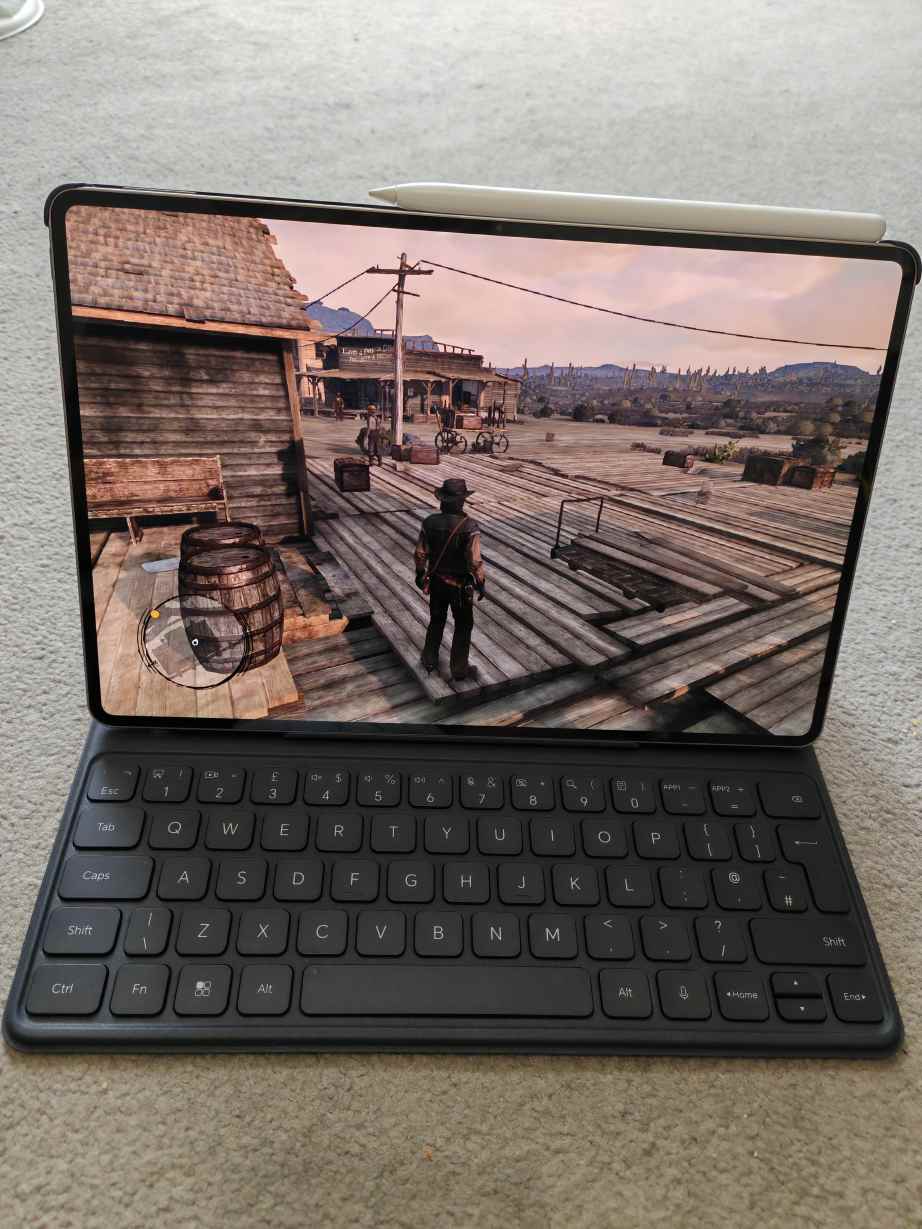
With the MagicPad 4, Honor isn’t just updating a tablet — it’s making a statement. This device is engineered to blur the line between tablet and laptop, backed by flagship performance, a 165Hz OLED display, and a redesigned stylus and keyboard accessory designed for real productivity.
But does it truly deliver a laptop-replacement experience? Or is it simply another high-end Android slate with impressive specs?
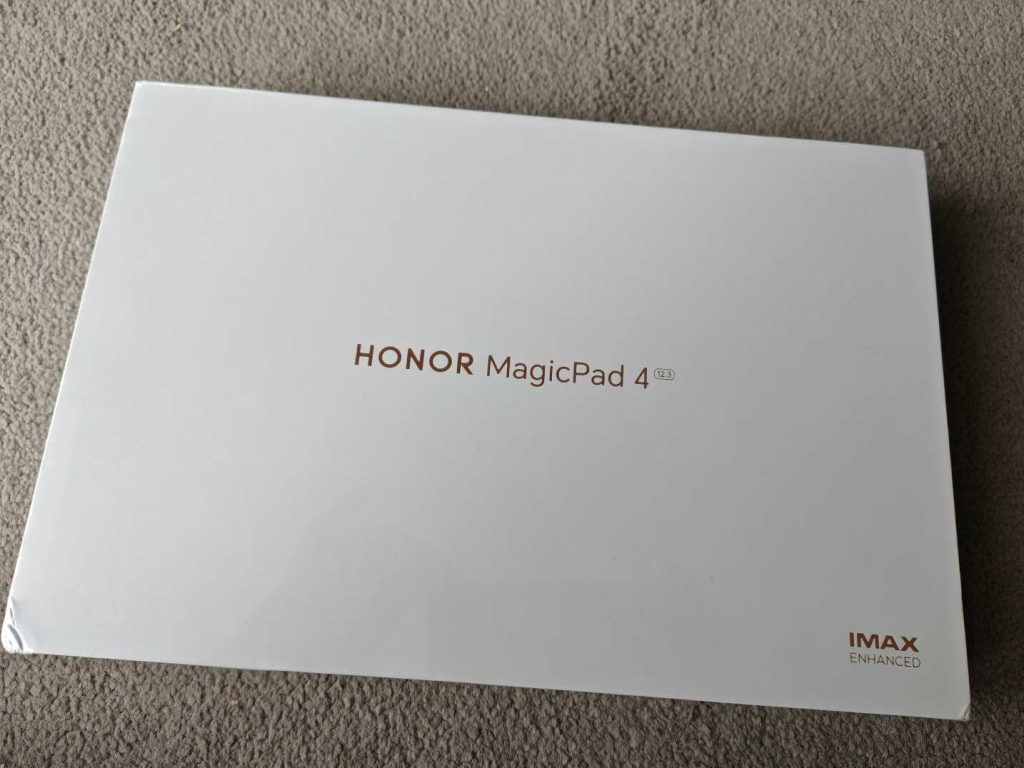

Design: Precision Engineering in a Remarkably Thin Frame

The first thing you notice about the MagicPad 4 is its thinness. It feels almost impossibly slim in the hand, yet it avoids feeling fragile. Honor has crafted the chassis from aerospace-grade aluminium, giving it rigidity that belies its wafer-like dimensions.
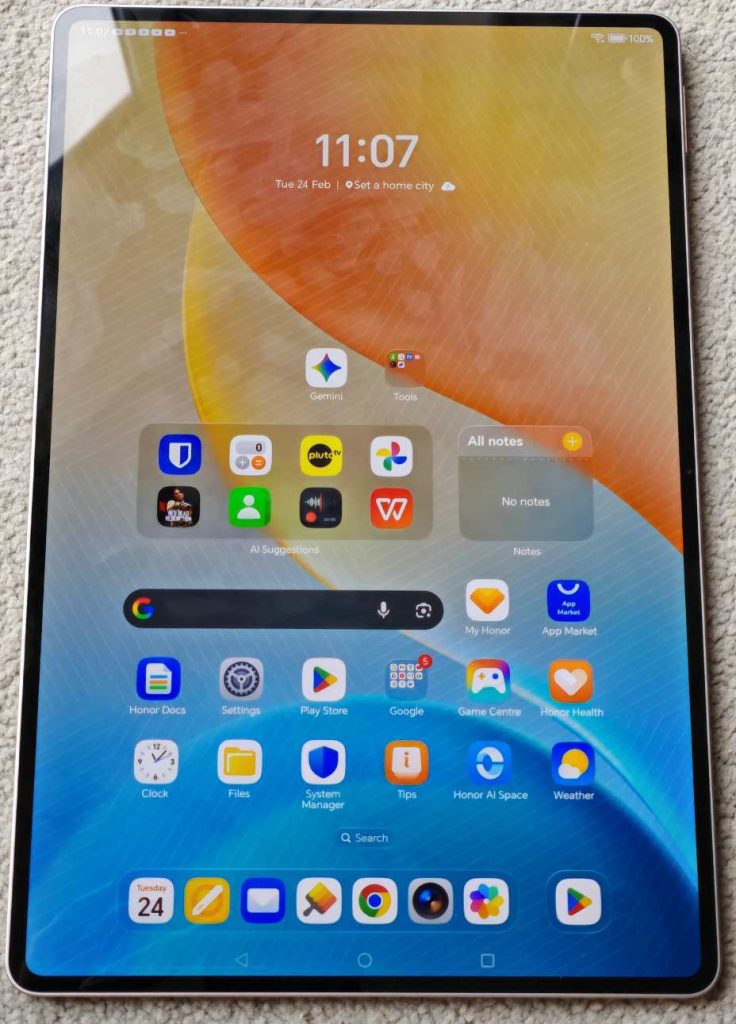

The edges are flat and clean, contributing to a modern, premium aesthetic. Buttons are tactile and precisely machined.
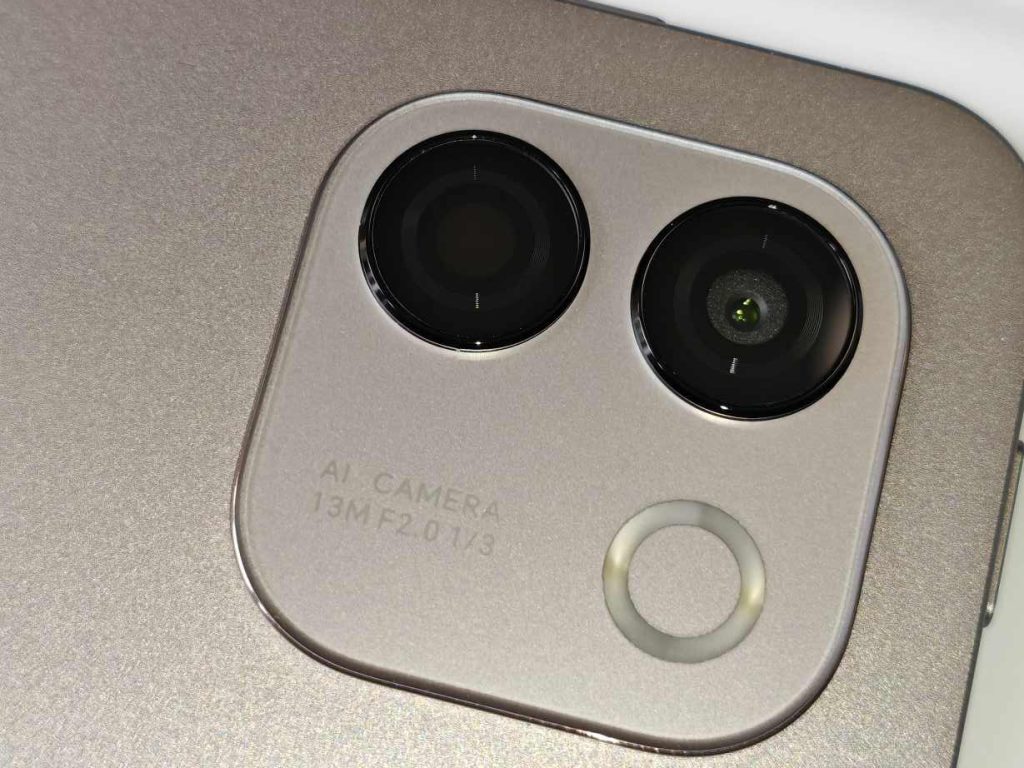

The rear camera module is discreet, and the overall finish feels understated rather than flashy — a device clearly aimed at professionals rather than casual users. Despite its thin profile, structural integrity is excellent. There’s minimal flex even under pressure. In daily use, it feels sturdy enough to toss into a backpack without worry.
Weight distribution is also thoughtfully balanced. In portrait mode for reading or note-taking, it never feels awkward or top-heavy.
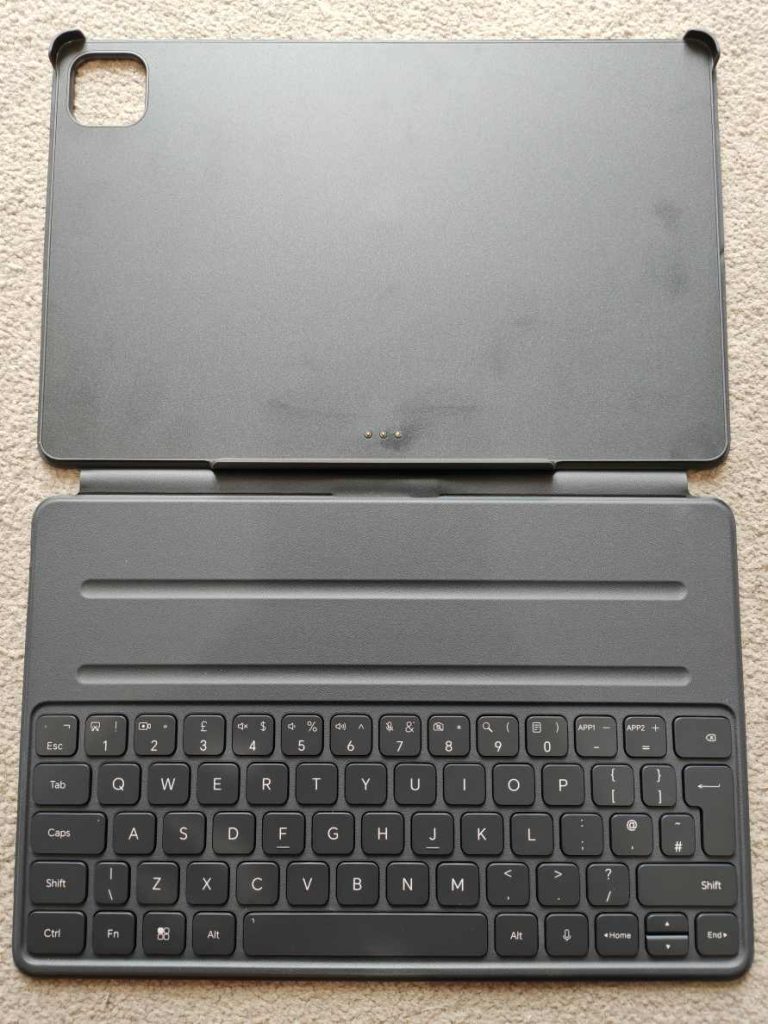

Once paired with the keyboard, the design shifts from tablet to productivity tool. Closed, it resembles a sleek ultraportable laptop. Open, it feels purposeful and work-ready.
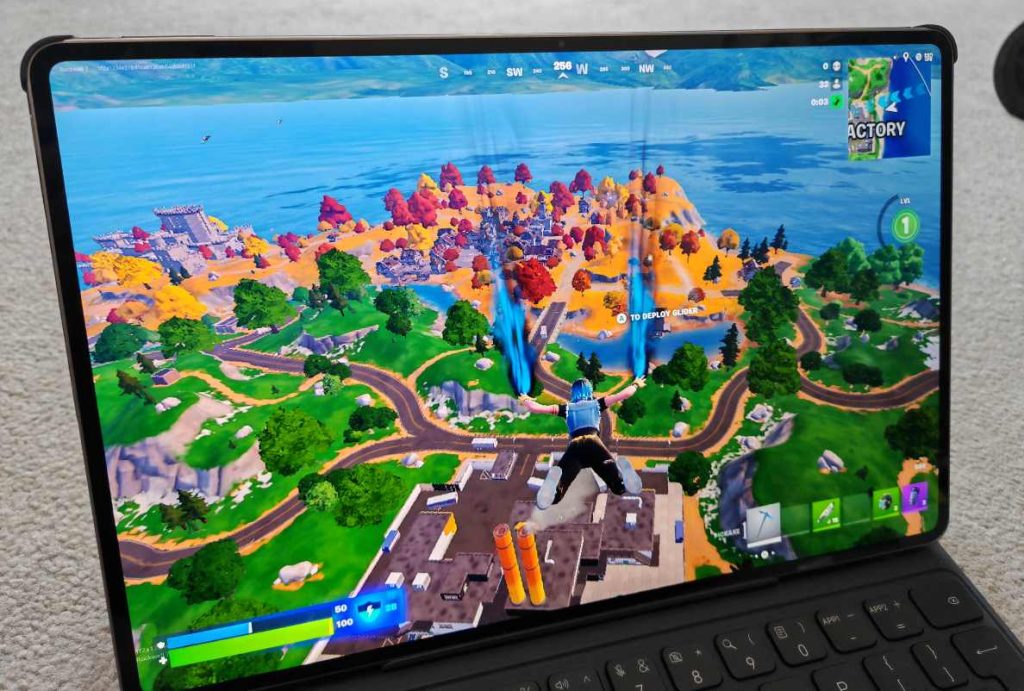

Display: A 165Hz OLED That Elevates Everything
The 12.3-inch OLED panel is one of the strongest arguments in favour of the MagicPad 4.
Key Highlights:
- OLED technology
- 165Hz refresh rate
- Excellent brightness levels
- Snapdragon flagship horsepower paired with 12 GB RAM/256GB (review unit) bit you can get 16 GB RAM/512GB aswell for fluid multitasking.
- Wide color coverage
- Slim bezels with an immersive screen-to-body ratio
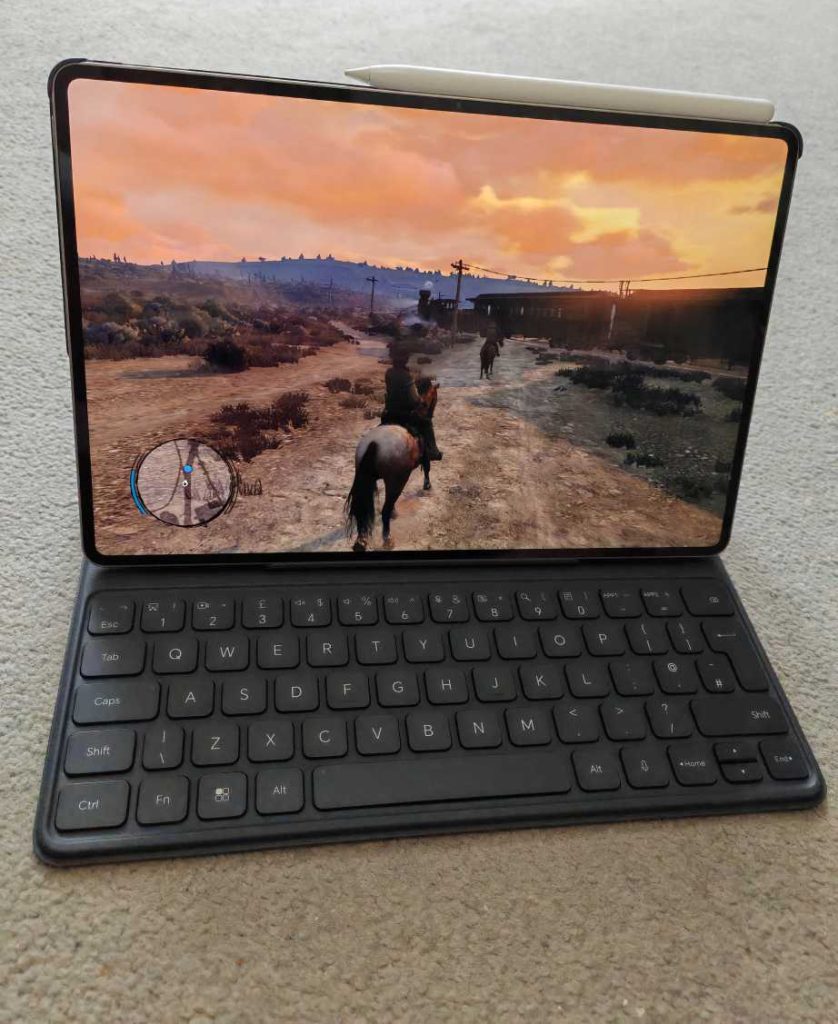

In real-world use, the difference between 120Hz and 165Hz might sound minor, but with stylus input and rapid scrolling, the extra fluidity is noticeable. Everything feels instantaneous. OLED ensures deep blacks and high contrast. HDR content looks vibrant without appearing artificially saturated. Streaming films or high-quality YouTube videos is a genuinely premium experience.
For creators, colour consistency is strong enough for photo editing and illustration work. While professional calibration tools would still be required for colour-critical workflows, this display is more than capable for advanced creative use.
In short, this is one of the best screens currently available on an Android tablet.
Performance: Flagship Power for Real Work
Under the hood, the MagicPad 4 runs a current-generation Snapdragon flagship processor paired with generous RAM options. In practice, this translates to smooth performance across nearly every scenario.
Multitasking
Running split-screen apps, floating windows, and background processes simultaneously presents no noticeable lag. Even with numerous Chrome tabs open alongside streaming media and note apps, the system remains responsive.
Creative Workloads
Photo editing apps, drawing software, and light video editing run without stutter. Export times are competitive for a tablet device.
Gaming
High-end mobile titles run smoothly at high refresh rates. Thermal management is effective, with warmth noticeable but never uncomfortable during extended gaming sessions. Performance is comfortably within flagship territory, and for most users, it will feel indistinguishable from premium competitors.
Magic Pencil: Precision That Feels Natural
The Magic Pencil transforms the MagicPad 4 from a media device to a creative tool.
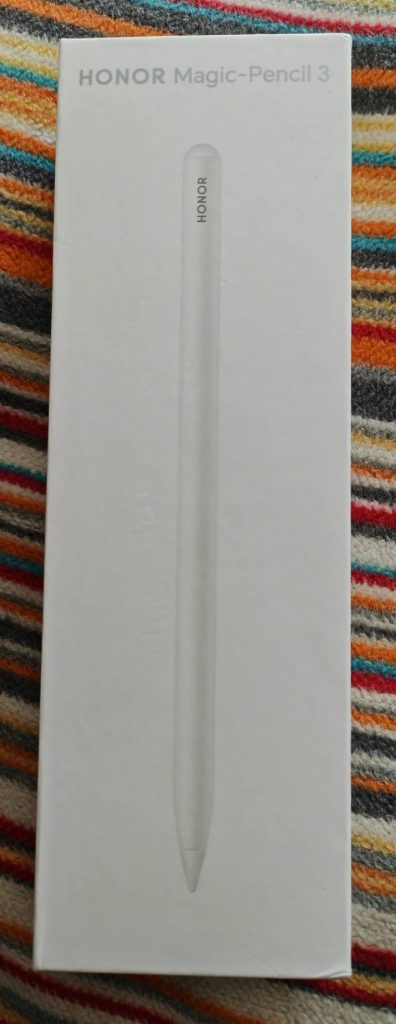

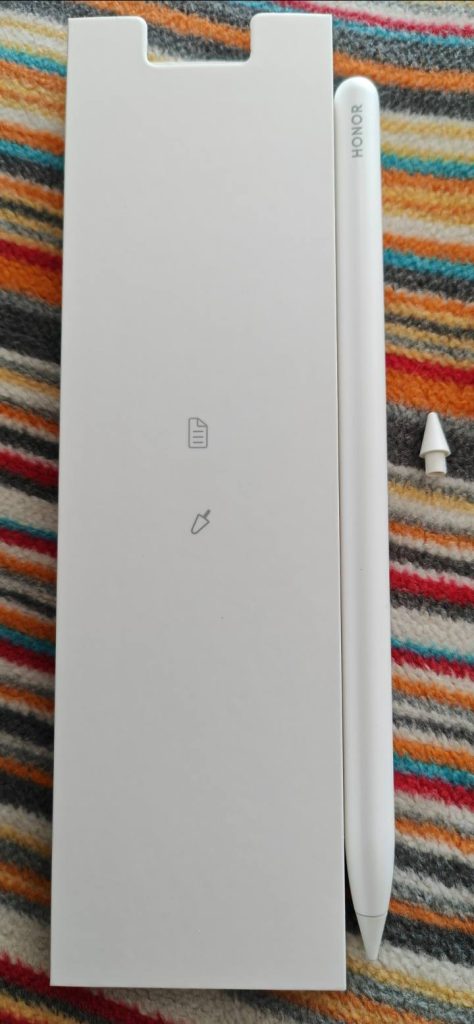

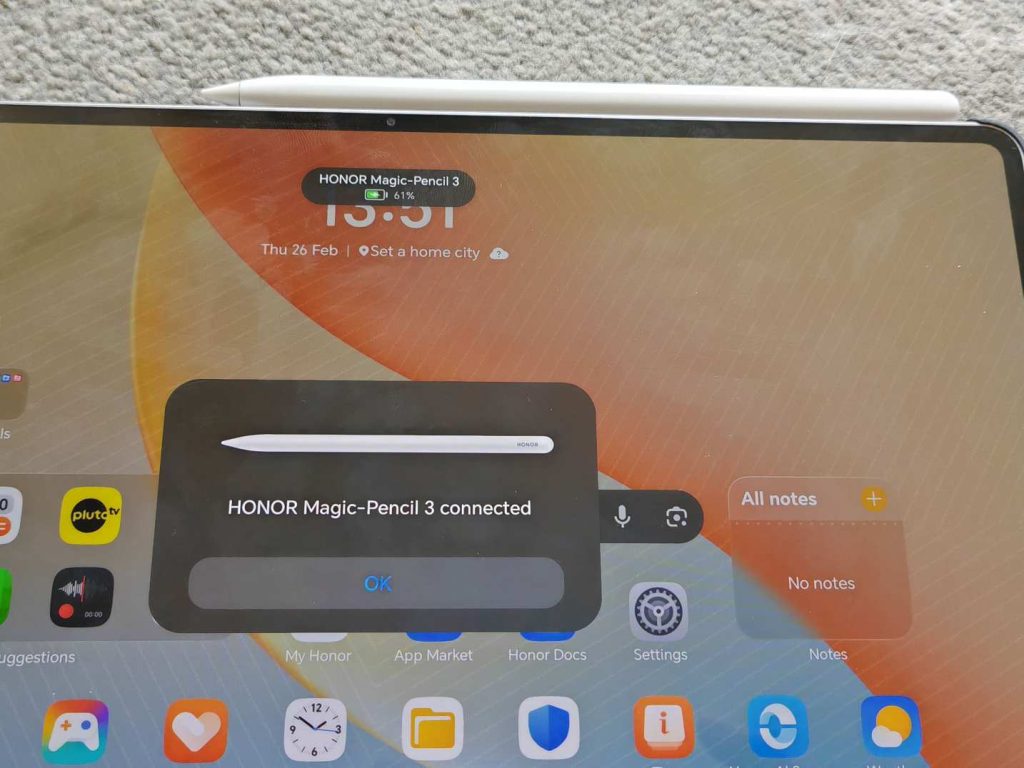
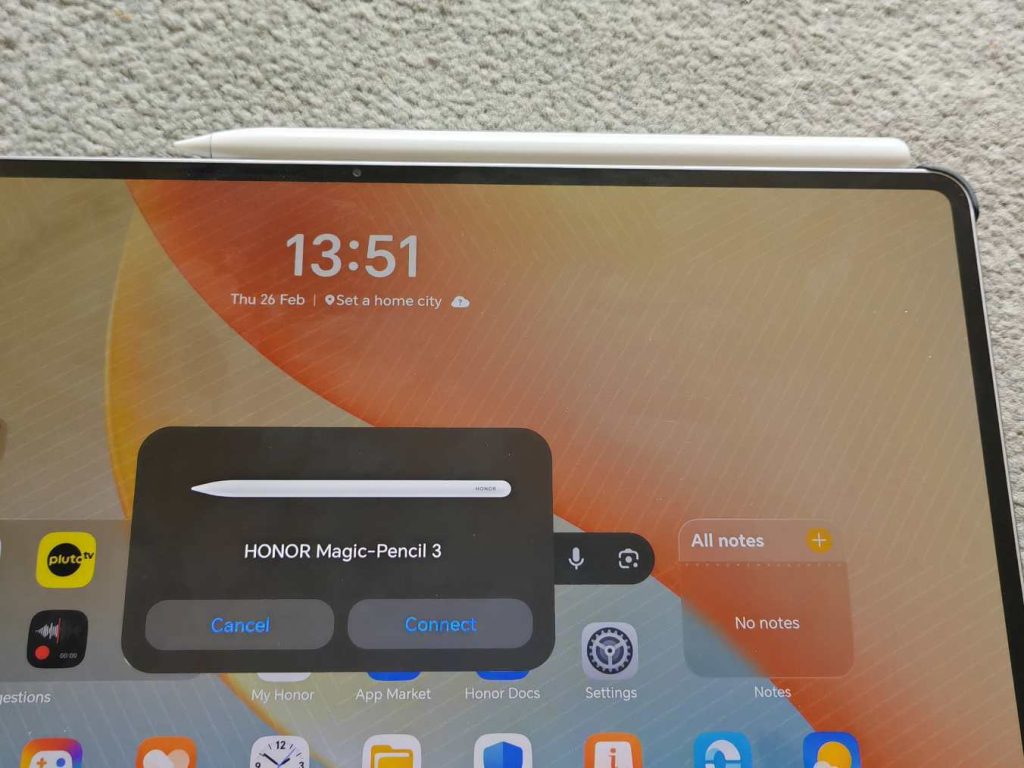
Magnetic attachment is secure and intuitive. Pairing is seamless. Charging happens wirelessly when docked.


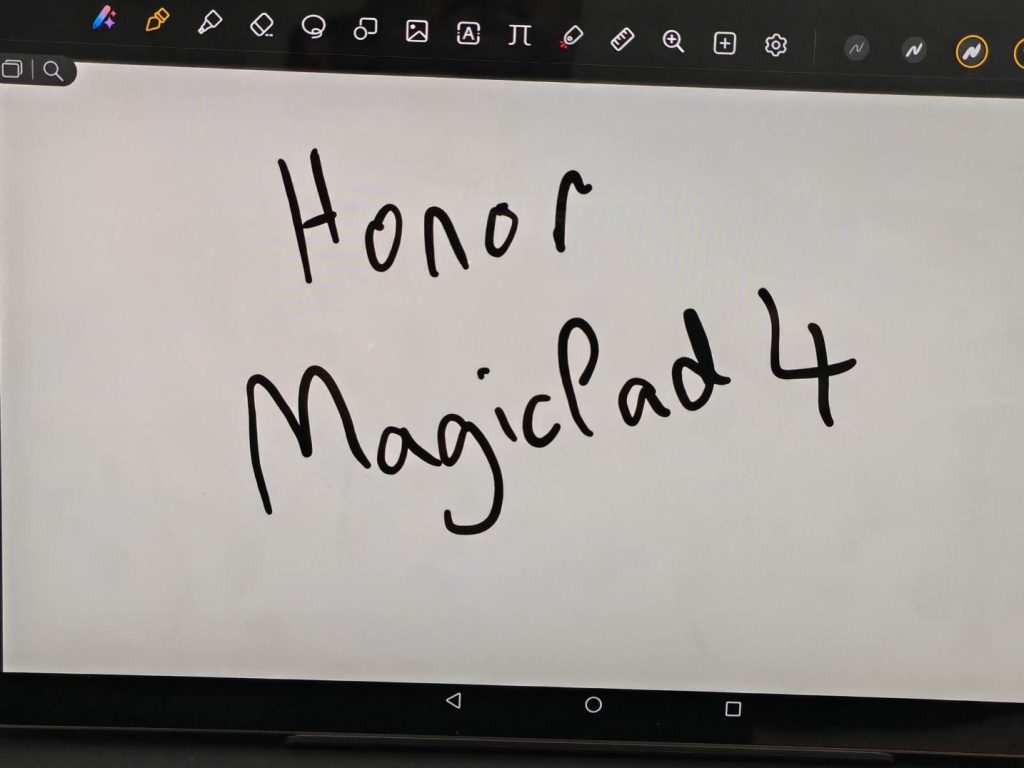
Latency is impressively low. Writing feels smooth and immediate, with accurate palm rejection. Pressure sensitivity allows for expressive strokes in illustration apps, while handwriting feels natural during note-taking sessions.
Compared to competitors like the Apple iPad Pro with Apple Pencil or the Samsung Galaxy Tab S9 Ultra with S Pen, the Magic Pencil holds its own. The experience is refined, consistent, and dependable.
For students, it’s ideal for lectures and annotated PDFs. For designers, it offers a responsive canvas. For business users, it’s excellent for marking up presentations.
This accessory feels essential rather than optional.
Keyboard: A Real Productivity Setup
Attach the official keyboard, and the MagicPad 4 begins to compete directly with ultraportable laptops. The keys offer satisfying travel with clear tactile feedback. Long writing sessions are comfortable, and the layout feels natural.
Stability on a desk is solid, though it doesn’t quite match the rigid hinge structure of traditional laptops when used on your lap.
Still, for emails, documents, spreadsheets, and browsing, it performs admirably.
Software & Ecosystem: Improved and Competitive
MagicOS builds on Android with desktop-style multitasking features, floating windows, and improved cross-device functionality.
Split-screen workflows feel intuitive. Drag-and-drop support between apps enhances productivity.
Android tablet apps are not universally optimised, but the gap has narrowed considerably. Major productivity apps perform well, and Google’s ecosystem integrates smoothly.
While long-term software support will remain a key consideration for buyers investing at this level, the overall experience today feels stable, modern, and competitive.
Audio & Media Experience
The multi-speaker system delivers clear and immersive sound. Dialogue remains crisp, and volume levels are impressive without distortion.
Combined with the OLED display, the MagicPad 4 excels as a portable entertainment device.
Streaming, gaming, and video calls all benefit from strong audio performance.
Battery Life & Charging
Despite its slim design, battery endurance is solid.
-
Around 10–12 hours of mixed usage
-
Roughly a full workday of productivity tasks
-
Efficient standby performance
Fast charging support ensures quick top-ups when needed.
For travel or long study sessions, battery anxiety is unlikely to be an issue.
Cameras: Practical and Functional
The rear camera is suitable for document scanning and occasional photos. The front camera performs well for video calls, offering good clarity in well-lit environments.
While cameras are not a defining feature here, they are entirely adequate for professional and educational use.
Can It Replace Your Laptop?
For many users — yes.
If your workflow revolves around:
- Writing
- Browsing
- Presentations
- Note-taking
- Cloud-based productivity tools
The MagicPad 4 with keyboard can realistically replace a laptop.
For more specialised desktop software or heavy creative production, a traditional laptop still has advantages.
But as a portable productivity machine, this device is highly capable.
Value Proposition
With the Magic Pencil and keyboard added, the MagicPad 4 sits firmly in premium territory. However, compared to similarly equipped flagship tablets, it remains competitively positioned.
You are paying for:
- Ultra-thin engineering
- A top-tier OLED display
- Flagship processing power
- A refined accessory ecosystem
For users who will fully utilise those strengths, the value proposition is strong.
The Honor MagicPad 4 stands out as one of the most well-rounded Android tablets you can buy right now.
It delivers a premium, ultra-thin design, an outstanding high-refresh display, powerful internal hardware, and thoughtfully integrated accessories that genuinely enhance productivity. Everything feels cohesive — not just a tablet with optional extras, but a complete mobile workstation experience.
It’s not entirely flawless. Android’s tablet ecosystem still doesn’t quite match the refinement and depth of app optimisation of iPadOS. That said, the gap has narrowed considerably, and for many users, it’s no longer a decisive drawback.
For creatives, students, professionals, and Android loyalists, the MagicPad 4 is an easy recommendation.
The Honor MagicPad 4 (12GB / 256GB) (review size) with Keyboard and Pencil is a compelling flagship package that checks nearly every box. Its remarkably slim chassis feels futuristic, the vibrant high-refresh display is a joy for both work and entertainment, and the performance headroom ensures it keeps pace with demanding multitasking and creative workloads. Paired with its keyboard and stylus, it transforms into a serious productivity companion.
Whether you’re focused on immersive content consumption, digital artistry, note-taking, or getting real work done on the move, the MagicPad 4 competes confidently with established rivals — often delivering stronger overall value when you factor in the full accessory ecosystem.
If Honor commits to long-term software support and maintains competitive pricing, the MagicPad 4 has all the ingredients needed to become one of the best Android tablets of 2026.
UK Pricing coming soon.
Breakdown:
- Design & Build: 4.8
- Display: 4.9
- Performance: 4.6
- Accessories (Magic Pencil + Keyboard): 4.4
- Software & Ecosystem: 4.0
- Value: 4.1
The MagicPad 4 proves that Android tablets can be ultra-premium, productivity-driven, and creatively capable — all in one remarkably thin device.
Post Views: 7,477