


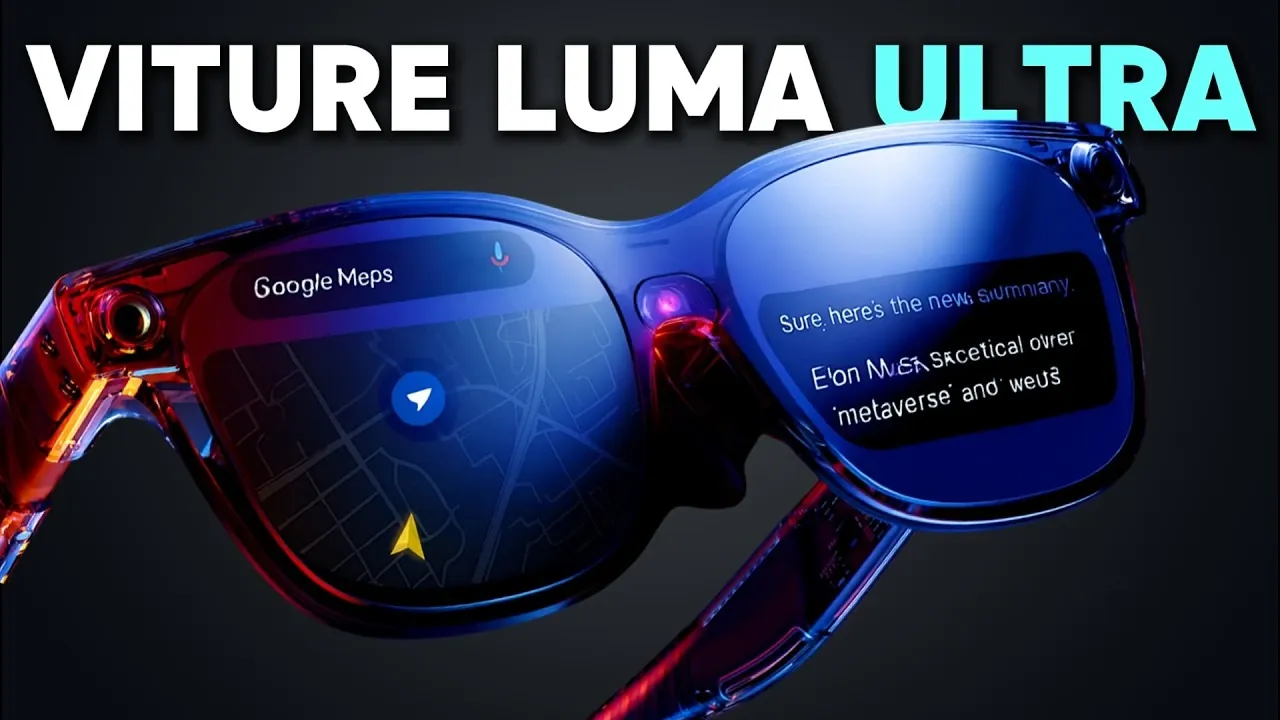
Have you ever wondered what it would feel like to carry an entire digital workspace, or even a gaming console, right on your face? The Viture Luma Ultra AR glasses, paired with their Pro Neckband, promise to do just that, blending innovative augmented reality with a sleek, wearable design. From multitasking on virtual screens to navigating 3D galaxies with 6 Degrees of Freedom (6DOF), these glasses aim to redefine how we interact with technology. But with bold innovation often comes unexpected challenges. Over the course of a week, I put these futuristic glasses to the test, uncovering moments of awe, frustration, and everything in between.
Below Steven Sullivan explains what it’s really like to live with the Viture Luma Ultra for seven days, its triumphs, quirks, and the surprising ways it impacted my daily routine. You’ll discover how its immersive AR features can transform productivity and entertainment, but also where it stumbles, from battery life to comfort. Whether you’re a tech enthusiast curious about the future of wearables or someone weighing the $599 price tag, this deep dive will give you a firsthand look at the possibilities, and limitations, of this ambitious device. After a week with the Luma Ultra, one thing is clear: augmented reality is closer than ever, but it’s not without its growing pains.
Viture Luma Ultra Overview
TL;DR Key Takeaways :
- The Viture Luma Ultra AR glasses feature 6 Degrees of Freedom (6DOF), allowing immersive interaction with virtual objects and multitasking across virtual screens, though occasional tracking issues may disrupt the experience.
- Integrated AI assistant and voice commands enhance usability, allowing hands-free control for tasks and apps, but occasional misinterpretations in noisy environments can hinder functionality.
- Multi-screen functionality supports up to three virtual displays and broad device compatibility (Android, iOS, Mac, Windows), though navigation via head movement can become disorienting over time.
- Gaming capabilities include support for platforms like Steam Link and Xbox Remote Play, but limitations such as short battery life (around three hours) and heat generation may impact extended gaming sessions.
- While ergonomic features like adjustable lenses and electrochromic tinting improve comfort, challenges such as heat generation, inconsistent hand tracking, and a high price point ($599) may deter some users.
Immersive AR with 6DOF: Expanding Interaction
One of the most compelling features of the Viture Luma Ultra is its 6 Degrees of Freedom (6DOF) capability, which allows you to interact with virtual objects and screens in your physical environment. This spatial awareness creates a dynamic AR experience, allowing users to multitask with virtual screens or explore interactive 3D applications. For example, the “Solar System” app offers an educational and entertaining experience by allowing you to navigate planets in a detailed, three-dimensional space. This feature not only enhances learning but also demonstrates the potential of AR to merge practicality with immersive engagement.
The 6DOF functionality is particularly beneficial for professionals and students, as it enables tasks like managing multiple virtual desktops or visualizing complex 3D models. However, the technology occasionally struggles with precise tracking, which can disrupt the otherwise seamless experience. Despite this, the feature represents a significant step forward in AR usability.
AI Assistant and Voice Commands: Enhancing Usability
The integration of an AI assistant and voice command functionality adds a layer of convenience to the Viture Luma Ultra. These features allow you to perform tasks hands-free, such as setting reminders, answering questions, or controlling apps. This is particularly useful during activities where manual input is impractical, such as gaming or multitasking with productivity tools.
For instance, the “Space Walker” app combines AR functionality with live news updates and streaming services, allowing you to stay informed while engaging with other tasks. The voice command system is responsive and intuitive, making it easier to navigate apps or access information without interrupting your workflow. However, occasional misinterpretations of commands can hinder the experience, especially in noisy environments. Despite this, the hands-free convenience is a valuable addition for users seeking efficiency and multitasking capabilities.
One Week Wearing the Viture Luma Ultra AR Glasses & Neckband

Here are more detailed guides and articles that you may find helpful on smart glasses.
Device Compatibility and Multi-Screen Functionality
The Viture Luma Ultra offers broad device compatibility, supporting Android, iOS, Mac, and Windows platforms. This flexibility allows you to mirror your smartphone or laptop screen, making it a versatile tool for both work and entertainment. The multi-screen functionality is particularly noteworthy, as it supports up to three virtual displays. This feature is ideal for multitasking, allowing users to manage emails, stream videos, and work on documents simultaneously.
However, navigating between virtual screens requires head movement, which can become disorienting during extended use. Additionally, the glasses’ reliance on external devices for certain functionalities may limit their standalone appeal. While the multi-screen feature is a strong selling point, its practical application is somewhat hindered by these usability challenges.
Gaming Capabilities: Potential and Limitations
For gaming enthusiasts, the Viture Luma Ultra offers exciting possibilities. The glasses support popular platforms like Steam Link, Xbox Remote Play, and Moonlight, allowing wireless gaming with Bluetooth controllers. Games like “Ghost Party” showcase the potential of AR gaming, offering an intuitive and spatial 3D experience that immerses players in the virtual environment.
However, the device’s battery life, which averages around three hours when paired with the Pro Neckband, limits extended gaming sessions. Frequent recharging can interrupt gameplay, which may frustrate dedicated gamers. Additionally, the glasses generate noticeable heat during prolonged use, which can detract from the overall comfort and gaming experience. While the gaming capabilities are impressive, these limitations may deter users seeking uninterrupted sessions.
Comfort and Ergonomics: A Mixed Experience
The Viture Luma Ultra is designed with user comfort in mind, featuring adjustable lenses, nose pads, and side arms for a personalized fit. The electrochromic tinting adapts to changing lighting conditions, reducing eye strain and enhancing visibility. These ergonomic features make the glasses suitable for extended use in various environments.
However, the device’s heat generation on the right arm and neckband becomes noticeable during prolonged use, which can affect overall comfort. While the adjustable design ensures a secure fit, the heat issue may pose a challenge for users who require long-term wear. Despite these drawbacks, the glasses’ ergonomic features demonstrate a thoughtful approach to user comfort.
Challenges and Considerations
While the Viture Luma Ultra pushes the boundaries of AR technology, it is not without its challenges. The hand tracking feature, though innovative, occasionally struggles with gesture recognition, which can disrupt the user experience. This inconsistency may require users to rely on alternative input methods, reducing the overall convenience of the device.
Additionally, the price point of $599, combined with the cost of accessories, represents a significant investment. For many users, this high cost may be difficult to justify, especially given the device’s limitations in battery life and heat management. These factors highlight the need for potential buyers to weigh the benefits against the drawbacks before making a purchase.
Applications That Stand Out
The pre-installed apps on the Viture Luma Ultra demonstrate its versatility across various use cases. The “Space Walker” app combines AR functionality with practical tools, offering a unique blend of productivity and entertainment. Similarly, “Solar System” and “Ghost Party” highlight the device’s potential for education and gaming, showcasing how AR can enhance learning and engagement.
Streaming platforms like Netflix and YouTube further expand the device’s entertainment value, making it a well-rounded option for users seeking both work and leisure applications. These apps underscore the glasses’ ability to cater to diverse needs, from professional tasks to recreational activities.
Balancing Innovation and Practicality
The Viture Luma Ultra AR glasses and Pro Neckband represent a bold step forward in wearable AR technology. With features like immersive 6DOF interaction, multi-screen functionality, and gaming support, the device offers a glimpse into the future of augmented reality. However, its high cost, limited battery life, and occasional performance issues may limit its appeal to a niche audience.
For those willing to navigate these challenges, the Viture Luma Ultra provides a unique combination of innovation and practicality. Whether for productivity, entertainment, or gaming, the device showcases the potential of AR to transform how we interact with technology, offering a compelling vision of what’s possible in the evolving world of augmented reality.
Media Credit: Steven Sullivan
Filed Under: AI, Gadgets News, Top News
Latest Geeky Gadgets Deals
Disclosure: Some of our articles include affiliate links. If you buy something through one of these links, Geeky Gadgets may earn an affiliate commission. Learn about our Disclosure Policy.