

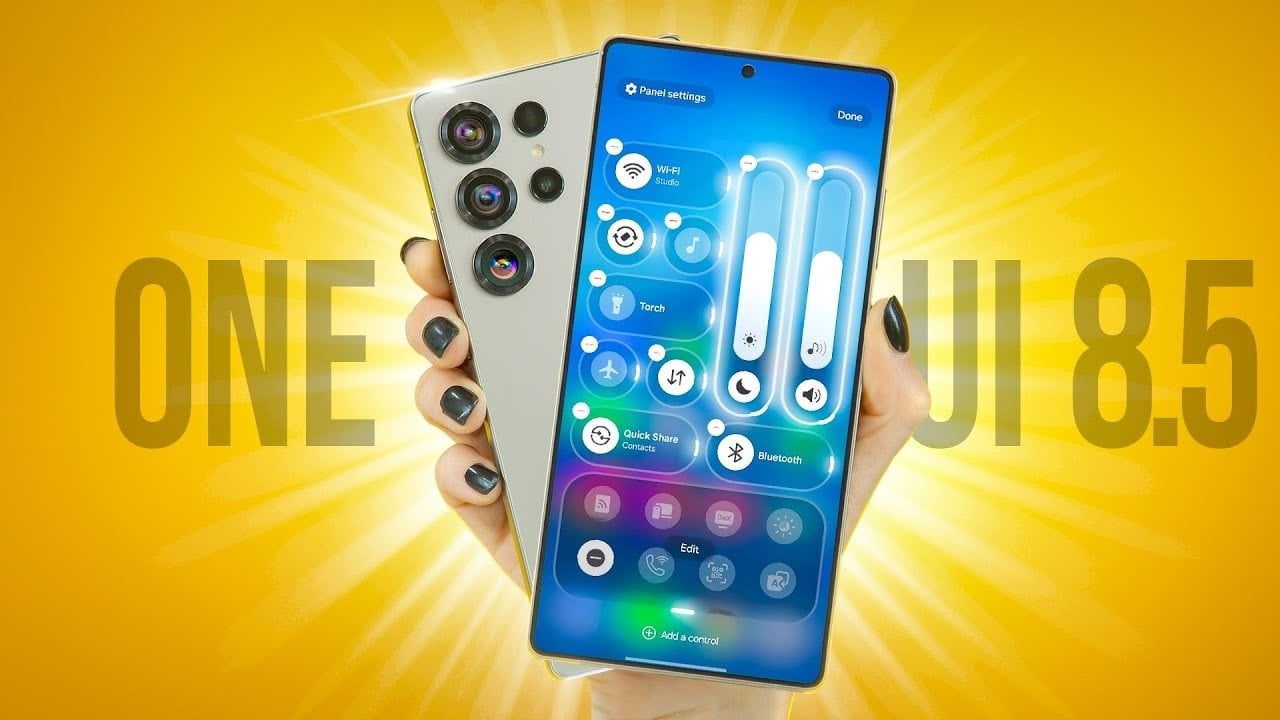
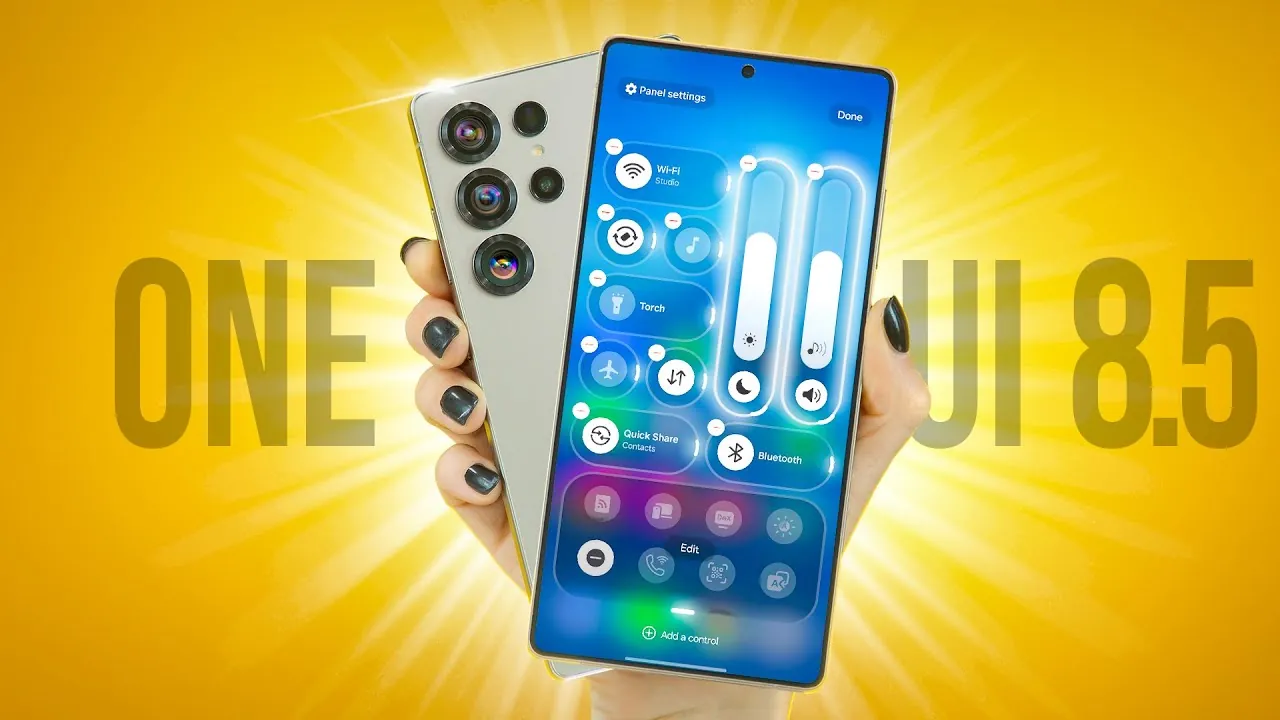
Samsung’s One UI 8.5 introduces a range of updates aimed at improving customization, functionality, and the overall user experience. Building on the foundation of its predecessor, this latest version emphasizes personalization, privacy, and accessibility. Whether you are a long-time Samsung user or new to the ecosystem, these enhancements are designed to make your device more intuitive, efficient, and secure. The video below from Hayls World gives us more details on the One UI 8.5.

Quick Settings Panel: Enhanced Control and Flexibility
The redesigned Quick Settings panel offers greater flexibility and customization options. Users can now rearrange icons and toggles with simple drag-and-drop controls, allowing for a layout that suits individual preferences. Additionally, the introduction of new control sizes—icon, pill, and vertical—provides more ways to personalize the interface. For those who wish to experiment, a convenient reset option ensures you can easily revert to the default setup without hassle. These updates make managing your device’s settings faster and more intuitive.
Lock Screen: A Blend of Aesthetics and Functionality
The lock screen receives significant upgrades that enhance both its visual appeal and practicality. Users can now choose from new clock fonts with adjustable thickness, offering more ways to personalize the display. Dynamic wallpapers adapt to the content shown on the screen, creating a visually engaging experience. For weather enthusiasts, animated wallpapers now reflect real-time weather conditions, adding an interactive and immersive touch to your device. These features ensure that your lock screen is not only functional but also uniquely yours.
Hidden Features: Subtle Changes with Big Impact
One UI 8.5 introduces several subtle yet impactful features designed to improve usability. Transparent home screen folders now include a slider for visibility adjustments, making it easier to organize and access your apps. A standout addition is the partial screen recording feature, which allows users to capture specific portions of their screen with auto-selection and resizing tools. Even the calculator app has been updated to deliver instant results, streamlining everyday tasks and making the app more efficient for quick calculations.
Gallery Enhancements: Smarter Organization and Improved Privacy
The Gallery app has been upgraded with features that focus on organization and security. A refreshed interface with rounded design elements gives the app a modern look. The new “Shot Types” feature groups photos based on their content, making it easier to locate specific images. For users concerned about privacy, a fingerprint-secured private album ensures that sensitive photos remain protected. These updates make managing and safeguarding your photo library more convenient and secure.
Photo Editing: AI-Powered Tools for Precision
Advanced photo editing tools powered by AI are a highlight of One UI 8.5. These tools allow users to erase unwanted objects, reposition elements, and even predict sketches with impressive accuracy. All edits are processed on-device, making sure your privacy while delivering professional-grade results. Whether you are refining a photo for social media or making quick adjustments, these tools make it easier than ever to achieve polished results directly from your device.
Accessibility and Security: Thoughtful Improvements
Accessibility enhancements in One UI 8.5 include the new “Dim Strobing” feature, which reduces screen brightness during video playback to minimize eye strain. On the security front, theft protection has been upgraded with a lock that activates after multiple failed authentication attempts, adding an extra layer of defense for your device. These updates demonstrate Samsung’s commitment to creating a user-friendly and secure experience for all users.
Clock App: Stylish and Functional Updates
The Clock app has been redesigned to combine style with functionality. Weather-based alarm backgrounds now create a visually cohesive experience, while the world clock feature allows users to compare time zones with day and night indicators. A redesigned analog stopwatch offers a fresh take on a classic tool, blending aesthetics with practicality. These updates ensure that the Clock app is both visually appealing and highly functional.
Additional Updates: Subtle Tweaks for a Better Experience
One UI 8.5 also introduces several smaller updates that enhance the overall usability of your device:
- A battery status bar toggle for quick access to power management.
- Improved torch control directly accessible from the lock screen.
- A relocated search bar in the settings menu for easier navigation.
These subtle changes, while not immediately noticeable, contribute to a smoother and more seamless interaction with your device.
A User-Focused Evolution
Samsung’s One UI 8.5 reflects a clear focus on personalization, usability, and security. From the revamped Quick Settings panel to AI-powered photo editing tools, the updates are designed to make your device feel more intuitive and tailored to your needs. Whether you are exploring dynamic wallpapers, enjoying enhanced privacy features, or taking advantage of accessibility improvements, One UI 8.5 ensures a sleek, secure, and user-friendly experience.
Explore further guides and articles from our vast library that you may find relevant to your interests in One UI 8.5 features.
Source & Image Credit: Hayls World
Filed Under: Gadgets News
Latest Geeky Gadgets Deals
Disclosure: Some of our articles include affiliate links. If you buy something through one of these links, Geeky Gadgets may earn an affiliate commission. Learn about our Disclosure Policy.