

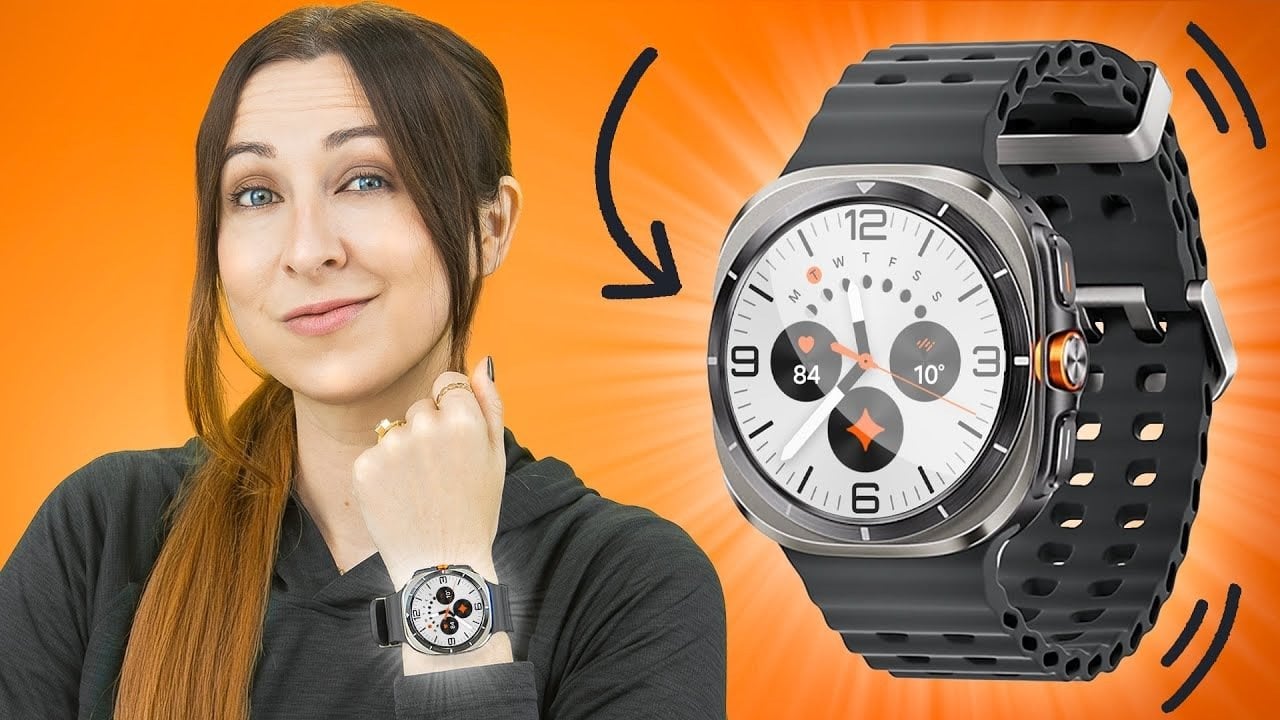
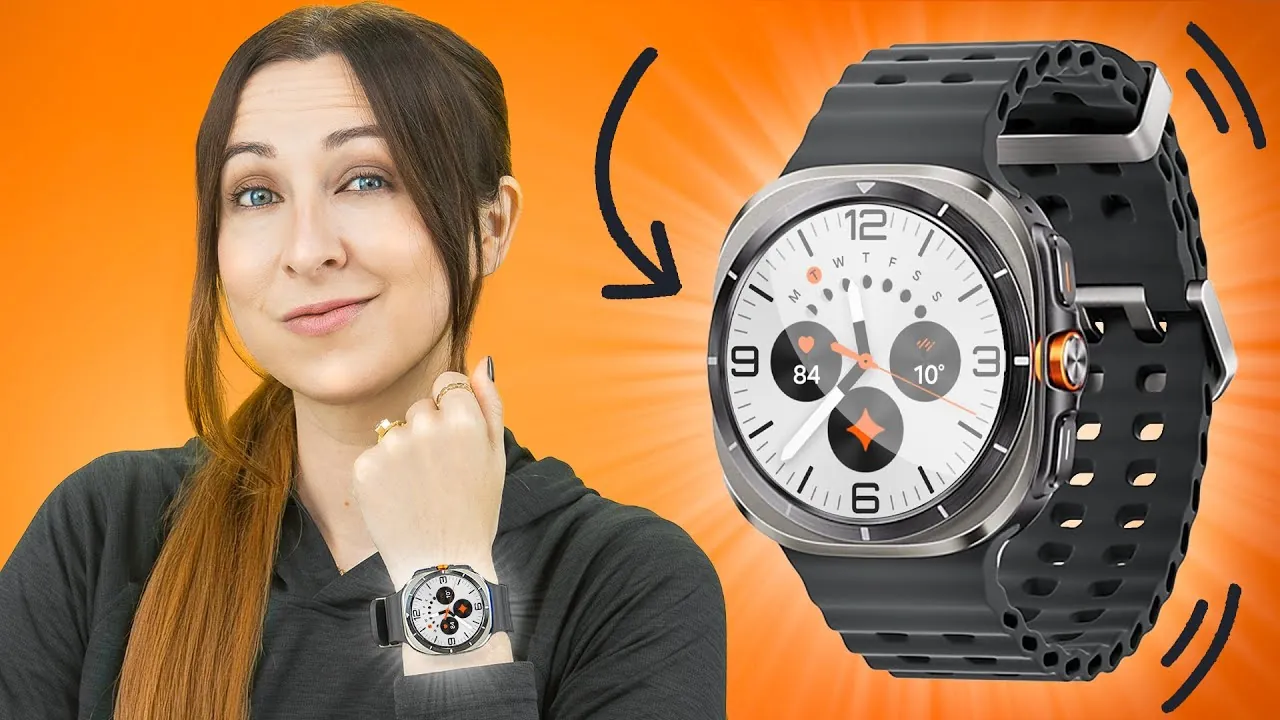
The Galaxy Watch Ultra 2 represents a significant step forward in the smartwatch market, combining personalization, practicality, and advanced technology to cater to a wide range of users. Designed with versatility in mind, this wearable device offers tools that enhance convenience, improve safety, and support fitness goals. Whether you’re a tech enthusiast, a fitness devotee, or someone seeking a reliable everyday companion, the Galaxy Watch Ultra 2 provides a seamless and intuitive experience. Let’s delve into its standout features and explore how they can elevate your daily routine. The video below from Hayls World gives us a look at a range of tips and tricks for the Galaxy Watch Ultra 2.

Customizable Interfaces for a Personalized Experience
The Galaxy Watch Ultra 2 places personalization at the forefront of its design. Its customizable watch faces allow you to tailor the display to suit your preferences and lifestyle. Whether you prefer a low-light mode for nighttime use or animated GIFs for a more dynamic aesthetic, the options are extensive. Through the Wearables app, users can adjust colors, layouts, and complications to display essential information such as weather updates, fitness metrics, or calendar events.
In addition to watch faces, the device offers customizable tiles and shortcuts, allowing quick access to frequently used features. For instance, you can prioritize tools like alarms, health metrics, or fitness trackers, making sure that the most important functions are always just a tap away. This level of customization ensures the watch adapts to your unique needs, enhancing both usability and efficiency.
Gesture Controls and Smarter Interactions
The Galaxy Watch Ultra 2 introduces intuitive gesture controls, making interactions more seamless and convenient. A simple double pinch allows you to answer calls, control music playback, or open notifications. Need to decline a call or launch an app? A quick wrist shake or a “knock-knock” gesture accomplishes the task effortlessly. These hands-free controls are particularly useful in situations where manual interaction is impractical, such as during workouts, while driving, or when multitasking.
This innovative feature enhances the watch’s usability, making sure that you can stay connected and in control without interrupting your activities. By integrating these intuitive gestures, the Galaxy Watch Ultra 2 sets a new standard for effortless interaction.
Google Gemini Assistant: Enhanced Voice Control
Voice control takes center stage with the integration of Google Gemini Assistant, offering a smarter and more efficient way to manage tasks. With this feature, you can perform a variety of actions, such as setting timers, sending messages, finding locations, or making calls, all through simple voice commands. The assistant can even be customized with different voice options, adding a personal touch to your interactions.
Direct access to the assistant is available through watch face complications, allowing you to complete tasks quickly and efficiently. Whether your hands are full or you’re on the go, the Google Gemini Assistant ensures that you remain productive and connected.
Advanced Fitness Tracking and Coaching
Fitness enthusiasts will find the Galaxy Watch Ultra 2’s health and fitness tools both comprehensive and adaptable. The Samsung Health app provides detailed running level assessments and personalized training plans tailored to your specific goals. Whether you’re training for a marathon or simply aiming to stay active, the app offers actionable insights and motivation.
An on-watch running coach delivers real-time guidance during workouts, helping you maintain proper form and stay on track. These features are designed to accommodate users of all fitness levels, from beginners to seasoned athletes. By offering personalized coaching and progress tracking, the Galaxy Watch Ultra 2 becomes an indispensable tool for achieving your fitness objectives.
Enhanced Camera Control and Button Customization
The Galaxy Watch Ultra 2 enhances your photography experience by allowing you to control your phone’s camera directly from the watch. With a simple double pinch gesture, you can zoom, switch modes, and capture photos or videos, making it easier to take the perfect shot without needing to handle your phone.
Additionally, the watch’s three physical buttons can be customized to perform specific functions, such as starting workouts, opening apps, or activating tools like the flashlight or stopwatch. This level of customization ensures that the watch adapts to your unique preferences, streamlining your daily interactions.
Music Playback and Audio Features
For music lovers, the Galaxy Watch Ultra 2 offers a versatile and immersive audio experience. You can play music directly from the watch’s built-in speaker or connect Bluetooth earphones for enhanced sound quality. Volume adjustments are made simple with edge gestures, allowing you to control playback seamlessly during workouts, commutes, or leisure time.
Whether you’re creating a playlist for a run or enjoying a podcast during your commute, the Galaxy Watch Ultra 2 ensures that your favorite audio content is always accessible.
Safety and Security Features
Safety is a key focus of the Galaxy Watch Ultra 2, which includes several features designed to provide peace of mind. The watch is equipped with an SOS mode and a loud siren for emergencies, as well as hard fall detection that automatically alerts designated contacts. These features are particularly valuable for users who engage in outdoor activities or live alone, making sure that help is always within reach.
Whether you’re hiking, running, or simply going about your day, the Galaxy Watch Ultra 2’s safety tools offer an added layer of security, making it a reliable companion in any situation.
Device Tracking and Seamless Connectivity
Losing your phone or watch is no longer a concern with the Galaxy Watch Ultra 2’s device tracking capabilities. Using the Wearables app or quick settings on the watch, you can locate a misplaced device in seconds. Additionally, disconnection alerts notify you if your phone and watch become separated, helping you avoid leaving your devices behind.
The watch also offers seamless connectivity with other devices, making sure that you stay connected and in sync throughout your day. By integrating these features, the Galaxy Watch Ultra 2 enhances both convenience and peace of mind.
A Smartwatch Designed for Your Lifestyle
The Galaxy Watch Ultra 2 combines innovation, functionality, and personalization to create a smartwatch that adapts to your lifestyle. From customizable interfaces and advanced gesture controls to robust fitness tracking and safety features, it offers tools that enhance both convenience and security. Whether you’re managing daily tasks, pursuing fitness goals, or making sure your safety, the Galaxy Watch Ultra 2 is designed to meet your needs with precision and ease.
Uncover more insights about Galaxy Watch Ultra 2 in previous articles we have written.
Source & Image Credit: Hayls World
Filed Under: Android News, Gadgets News, Guides
Latest Geeky Gadgets Deals
Disclosure: Some of our articles include affiliate links. If you buy something through one of these links, Geeky Gadgets may earn an affiliate commission. Learn about our Disclosure Policy.