


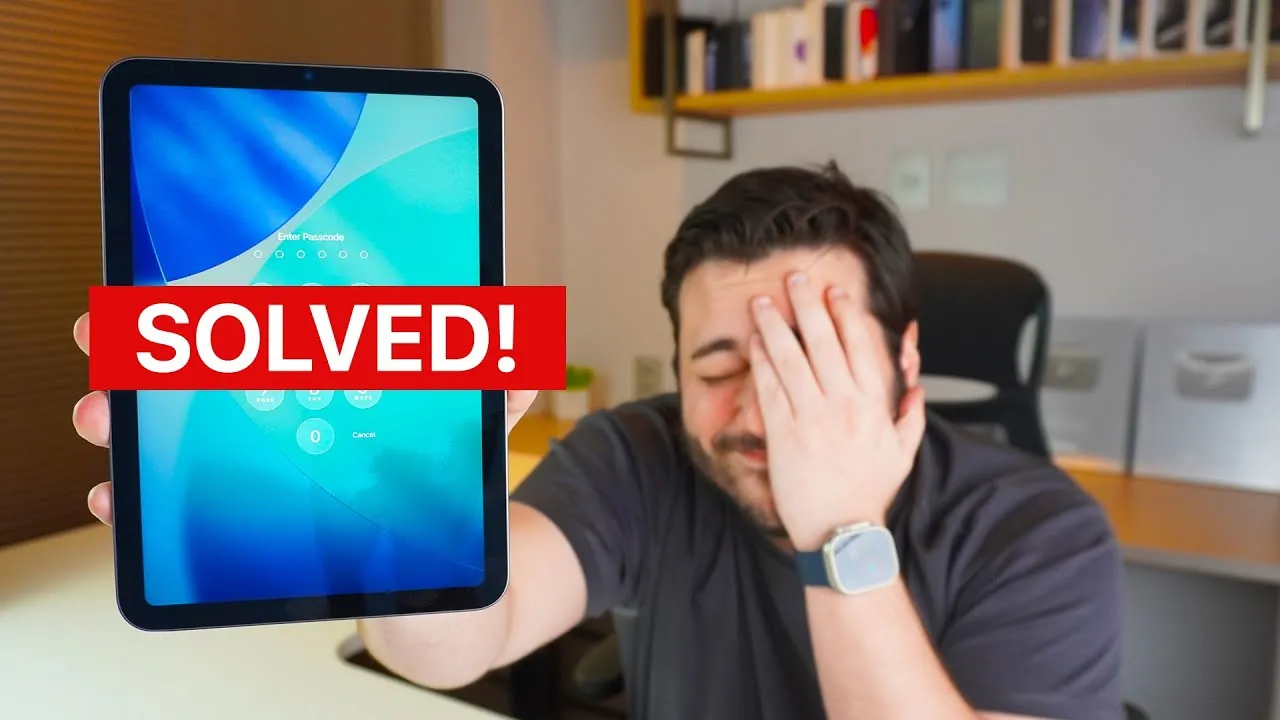
Forgetting your iPad passcode can be a frustrating experience, but Apple provides a secure and straightforward method to regain access without the need for a computer. This official process works across all iPad models and ensures your device remains protected. However, it involves erasing your iPad and restoring it to factory settings. By following the steps outlined in the video below from Daniel About Tech, you can confidently reset your iPad and regain control of your device.

Who Can Use This Method?
Apple’s reset process is designed to work on all iPad models, including the iPad, iPad Mini, iPad Air, and iPad Pro. However, there are specific requirements your device must meet to use this method:
- Your iPad must be running iPadOS 15.2 or later.
- An active internet connection (Wi-Fi or cellular) is required.
- You must know the Apple ID credentials associated with the device for authentication.
If your iPad meets these criteria and you are the rightful owner, you can proceed with the reset process without needing a computer.
Step-by-Step Guide to Reset Your iPad
To reset your iPad and remove the forgotten passcode, follow these steps carefully:
- Attempt to unlock your iPad by entering incorrect passcodes multiple times. After several failed attempts, the “Forgot Passcode” option will appear on the lock screen.
- Tap on “Forgot Passcode” and follow the on-screen instructions provided by Apple.
- When prompted, sign in with your Apple ID credentials to verify that you are the owner of the device.
- Select the option to erase your iPad. This action will reset the device to its factory settings, removing the passcode in the process.
Once the reset is complete, your iPad will restart and display the initial setup screen, ready for reconfiguration.
What Happens After the Reset?
After completing the factory reset, your iPad will return to its original state, as if it were brand new. You will need to go through the setup process, which includes the following steps:
- Connecting to a Wi-Fi network or cellular data to activate the device.
- Signing in with your Apple ID to complete the activation process.
- Restoring your data from a backup, if one is available.
If you have a recent iCloud or iTunes backup, you can recover your apps, settings, and files during the setup. However, if no backup exists, all data on the iPad will be permanently lost. It’s always a good practice to regularly back up your device to avoid losing important information.
Key Considerations Before Proceeding
Before starting the reset process, it’s essential to understand the following key points:
- This method is only available if you are the rightful owner of the iPad and know the Apple ID credentials associated with the device.
- The reset process is irreversible. Once the device is erased, all data will be permanently deleted unless a backup is available.
- If the “Forgot Passcode” option does not appear on the lock screen, you may need to use a computer with iTunes or Finder to reset your iPad.
Being aware of these considerations ensures that you are fully prepared for the reset process and understand its implications.
Why This Method Is Secure and Convenient
Apple’s reset process is designed with both security and user convenience in mind. By requiring Apple ID authentication, it ensures that only the rightful owner can reset and access the device. This prevents unauthorized access and protects your personal data. Additionally, the ability to reset your iPad without a computer offers added convenience, especially in situations where a computer is not readily available. This method allows you to regain control of your iPad while adhering to Apple’s strict security standards.
By following this official process, you can securely erase your iPad and restore its functionality. Ensure your device is updated, connected to the internet, and linked to your Apple ID before starting. With these preparations, you can confidently reset your iPad and regain access without unnecessary complications.
Below are more guides on iPad passcode reset from our extensive range of articles.
Source & Image Credit: Daniel About Tech
Filed Under: Gadgets News
Latest Geeky Gadgets Deals
Disclosure: Some of our articles include affiliate links. If you buy something through one of these links, Geeky Gadgets may earn an affiliate commission. Learn about our Disclosure Policy.