

The Apple Watch has established itself as a leader in wearable technology, seamlessly combining fitness tracking, communication tools and everyday conveniences. However, beyond its widely marketed capabilities, this device is packed with hidden features that can enhance your experience. Whether you’re a long-time user or new to the Apple Watch, uncovering these lesser-known functionalities can help you unlock its full potential. The video below from HotshotTek gives us more details.
Customizing Your Watch Face
The Apple Watch is more than a timepiece; it’s a personalized extension of your style and daily needs. Customizing your watch face allows you to tailor its appearance and functionality. Through the iPhone Watch app, you can design and share unique watch faces, blending aesthetics with practicality. Add complications such as weather updates, activity rings, or calendar events to create a display that keeps you informed at a glance. For quick changes, swipe between pre-set watch faces to suit different occasions or activities.
Gesture Controls for Hands-Free Use
The Apple Watch offers intuitive gesture controls that make navigation effortless, especially when your hands are occupied. These controls include:
- A double-tap gesture to answer calls, pause media, or scroll through content without physically touching the screen.
- A wrist flip to dismiss notifications or return to the home screen.
These hands-free options are particularly useful when multitasking, driving, or exercising, making sure seamless interaction with your device.
Effortless Timer Management
Timers are a core feature of the Apple Watch, but their functionality goes beyond the basics. With Siri integration, you can set, extend, or edit timers using simple voice commands. Whether you’re cooking, managing your workout intervals, or staying on top of tasks, this feature ensures you remain organized without navigating through menus.
Sleep Score Alerts for Better Rest
While sleep tracking is a well-known feature, allowing sleep score notifications takes it a step further. By accessing the Health app, you can monitor specific metrics such as sleep duration, heart rate and respiratory patterns. These insights provide actionable data to help you improve your sleep quality over time, making the Apple Watch a valuable tool for overall wellness.
Music and Audio at Your Fingertips
For music enthusiasts, the Apple Watch offers convenient audio features. With Shazam integration, you can identify songs playing nearby and save them directly to your library. Additionally, the watch’s internal speaker allows for quick music playback, eliminating the need for headphones in certain situations. Whether you’re discovering new tracks or revisiting your favorites, the Apple Watch keeps your music accessible.
Maximizing the Control Center
The Control Center on the Apple Watch is a hub for essential tools, many of which are often underutilized. Key features include:
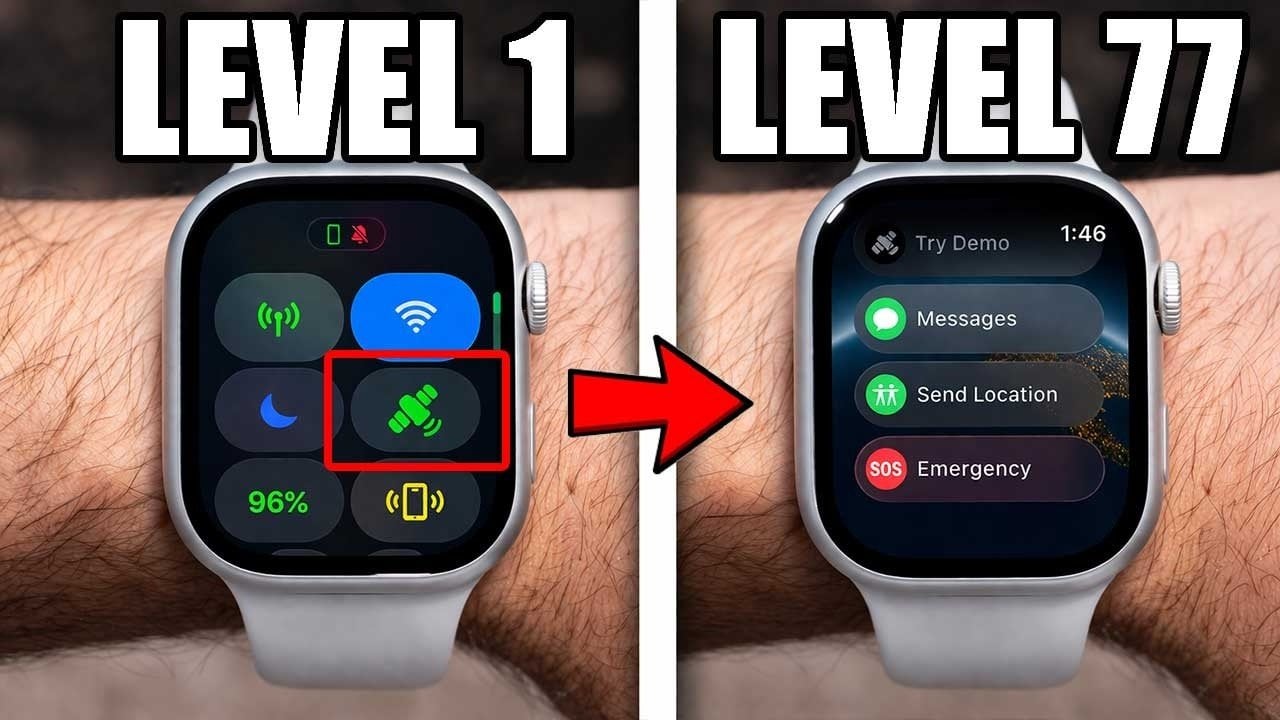
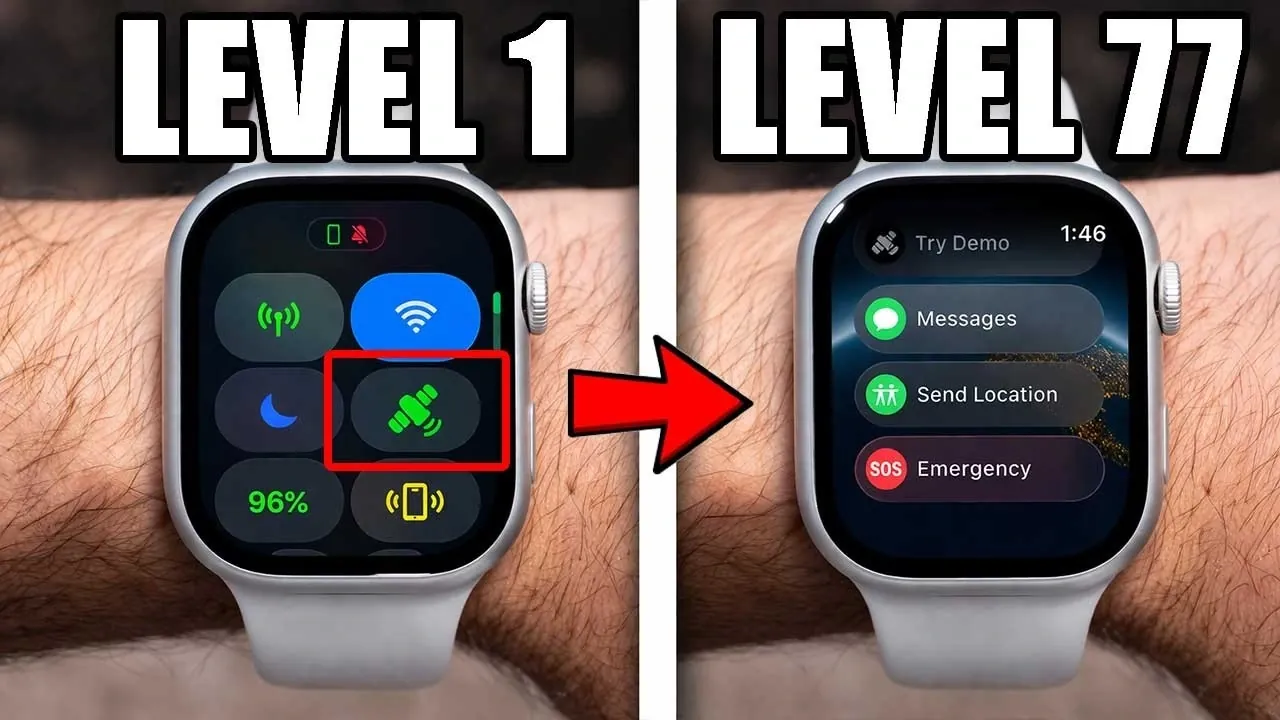
- The satellite icon for emergency messaging and location sharing, which is invaluable during outdoor adventures or emergencies.
- Theater Mode, which silences notifications and activates a red flashlight to preserve night vision in dark environments.
Customizing the Control Center ensures that your most-used tools are just a swipe away, enhancing convenience and accessibility.
Camera Remote Control
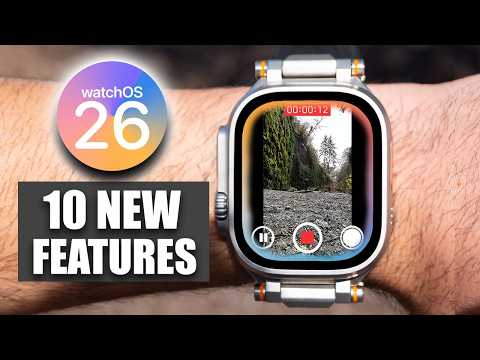
Transform your Apple Watch into a remote control for your iPhone camera. Use it as a viewfinder to frame shots, control zoom, or switch between front and rear cameras. This feature is ideal for group photos, selfies, or capturing moments from a distance, offering flexibility and precision in photography.
Advanced Workout Features
Fitness enthusiasts can take their workouts to the next level with the Apple Watch’s advanced workout tools:
- Start and track workouts with a simple tap on the screen, making sure seamless transitions between activities.
- Use head gestures with AirPods to control the Workout Buddy app, allowing you to stay focused on your fitness goals without interruptions.
These features make the Apple Watch a powerful companion for both casual users and serious athletes.
Apple Pay and Tap to Cash
The Apple Watch simplifies contactless payments with Apple Pay, allowing secure transactions with just a tap. This feature not only saves time but also enhances security by eliminating the need to share personal information during purchases. Whether you’re shopping, commuting, or dining out, Apple Pay ensures a smooth and hassle-free payment experience.
Navigation with Compass and Backtrack
For outdoor enthusiasts, the Compass app offers navigation tools that are indispensable in unfamiliar terrain. The Backtrack feature retraces your steps, helping you find your way back to your starting point. Whether you’re hiking, camping, or exploring off-grid locations, these tools provide peace of mind and reliable guidance.
Haptic Time Feedback
The Apple Watch’s haptic time feedback feature allows you to feel the time through subtle wrist vibrations. This discreet functionality is particularly useful in situations where checking the time visually isn’t practical, such as during meetings, presentations, or performances.
Battery Monitoring Across Devices
Stay informed about the battery levels of all your connected Apple devices directly from your watch. This feature ensures that you’re never caught off guard by a low battery, allowing you to keep your devices charged and ready for use at all times.
Customizing App Behavior
You can enhance your Apple Watch experience by adjusting app behavior. Modify the return-to-clock settings to extend app usage without interruptions. This customization is especially helpful for tasks that require prolonged attention, such as reading messages or tracking fitness data.
Water Lock Mode for Protection
The Water Lock Mode safeguards your Apple Watch during activities like swimming or handwashing. By preventing accidental inputs when the device is wet, this feature ensures reliable performance in various environments. Activating Water Lock Mode also helps protect the watch from unintended interactions, offering added durability.
CarPlay Notification Management
When using CarPlay, you can disable turn-by-turn alerts on your Apple Watch to avoid redundant notifications. This feature enhances your driving experience by reducing distractions, allowing you to focus on the road while still benefiting from navigation assistance.
Unlocking the Full Potential of Your Apple Watch
The Apple Watch is more than just a smartwatch; it’s a versatile tool designed to enhance your daily life. By exploring these hidden features, you can unlock new levels of convenience, control, and personalization. From managing tasks and tracking fitness to staying connected and navigating the world, the Apple Watch offers a wealth of functionalities that ensure it adapts to your needs and lifestyle.
Advance your skills in Apple Watch hidden features by reading more of our detailed content.
Source & Image Credit: HotshotTek
Filed Under: Apple, Gadgets News, Guides
Disclosure: Some of our articles include affiliate links. If you buy something through one of these links, Geeky Gadgets may earn an affiliate commission. Learn about our Disclosure Policy.