


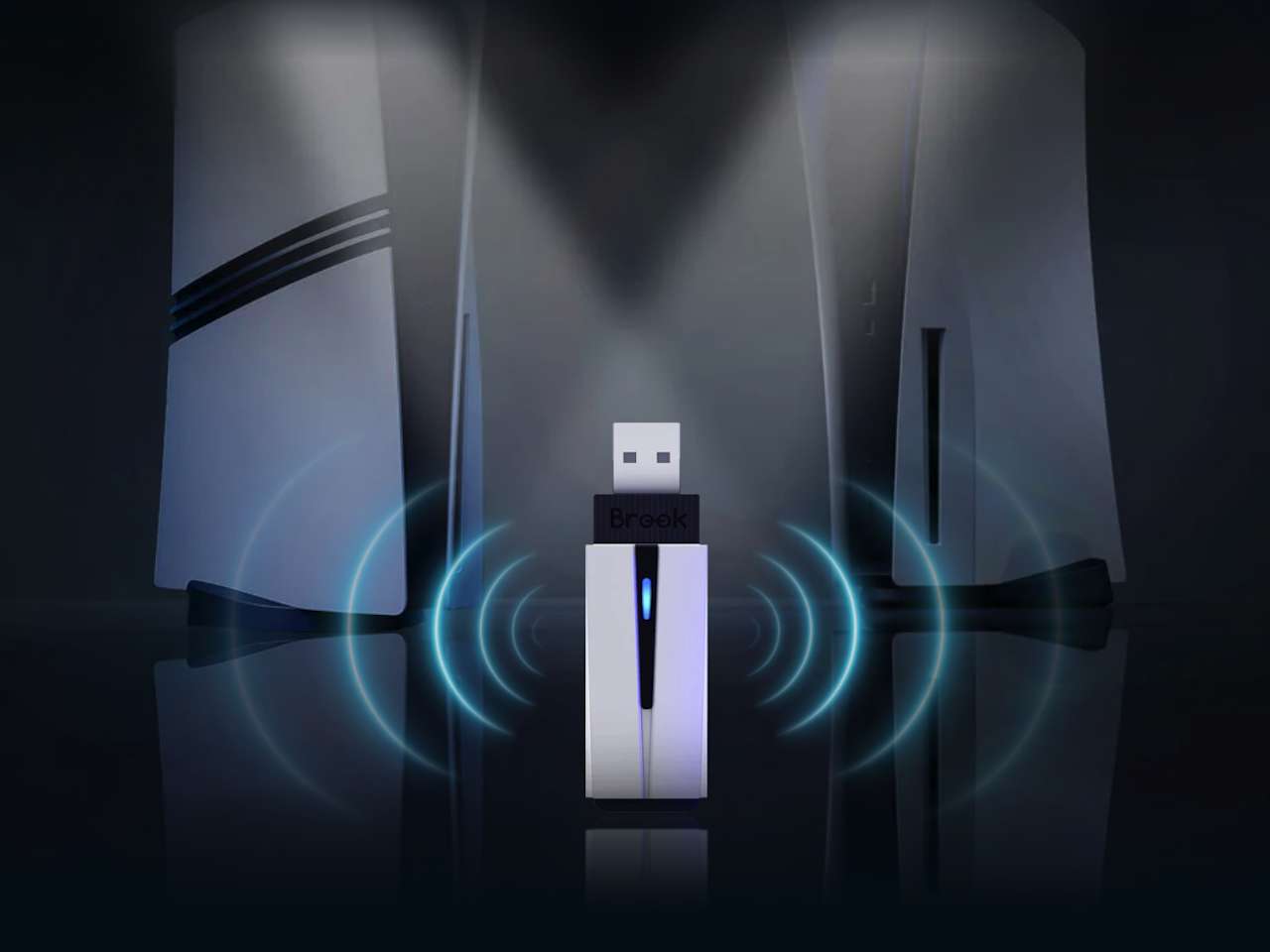
Most PS5 owners quietly accept that their preferred controller won’t work on Sony’s console. An Xbox Elite Series 2 that feels perfect in your hands sits unused. A Switch Pro you spent months breaking in collects dust. Third-party adapters exist, but the moment you go wireless, haptic feedback vanishes. Motion controls stop working. Some force you through Remote Play, which adds lag and depends entirely on your network staying stable.
Price: $74.99
Where to Buy: Amazon
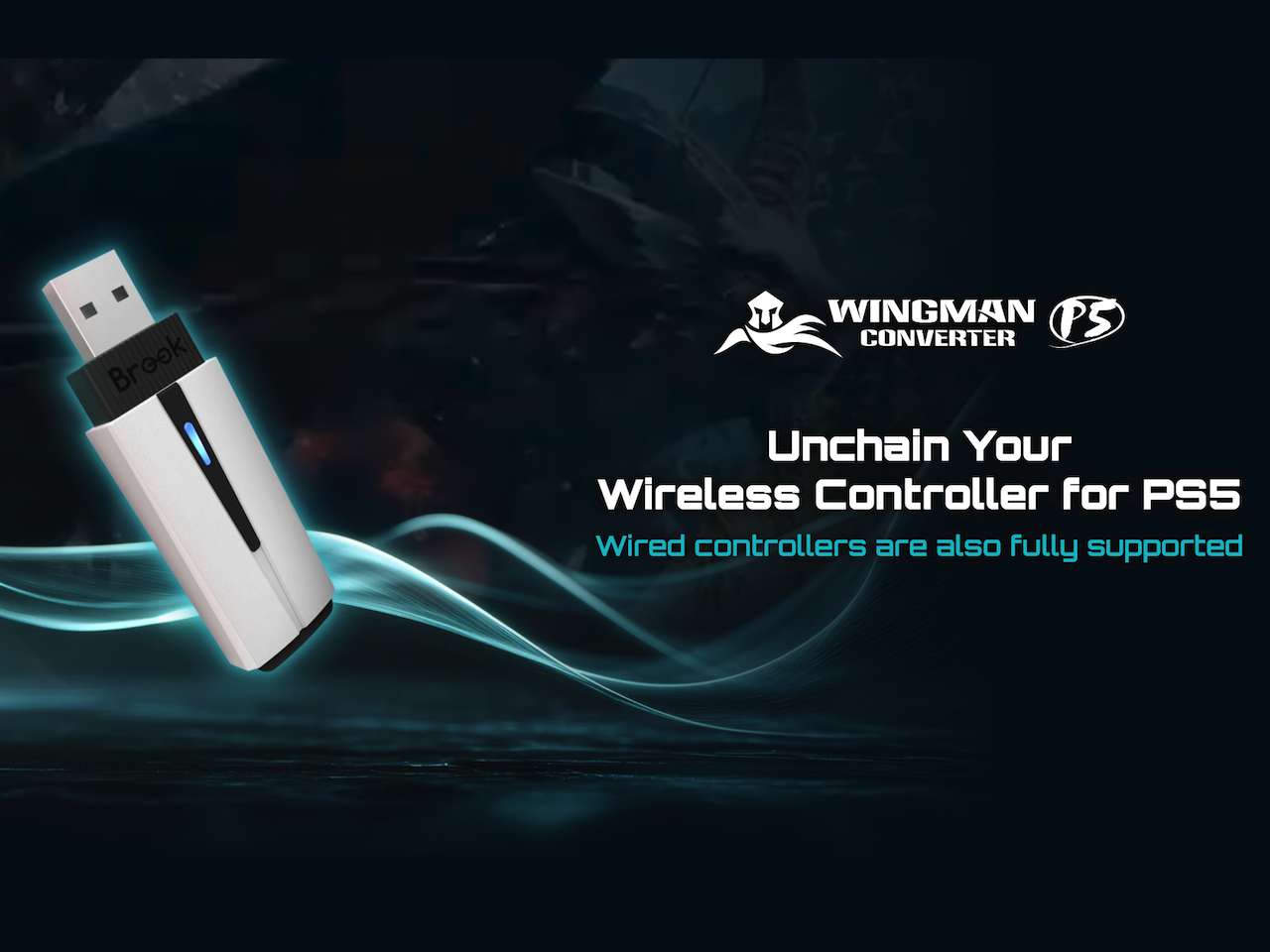
Brook Gaming’s Wingman P5 changes that trade-off. The dongle maintains full wireless functionality on PS5, PS4, and PC without stripping out the features most adapters sacrifice. No wired connection required. No Remote Play workaround. Full haptic feedback and six-axis motion sensing over a wireless link—what Brook calls “True Wireless.”
The Technical Distinction
Brook’s approach bypasses the network entirely. Remote Play routing forces your controller input through a local network before reaching the console, introducing latency and requiring stable LAN conditions. The Wingman P5 uses Direct Connection Technology—hardware-level communication that treats the adapter as a native input device. No router involved. No dependency on your internet speed or whether your cat knocked the ethernet cable loose again.
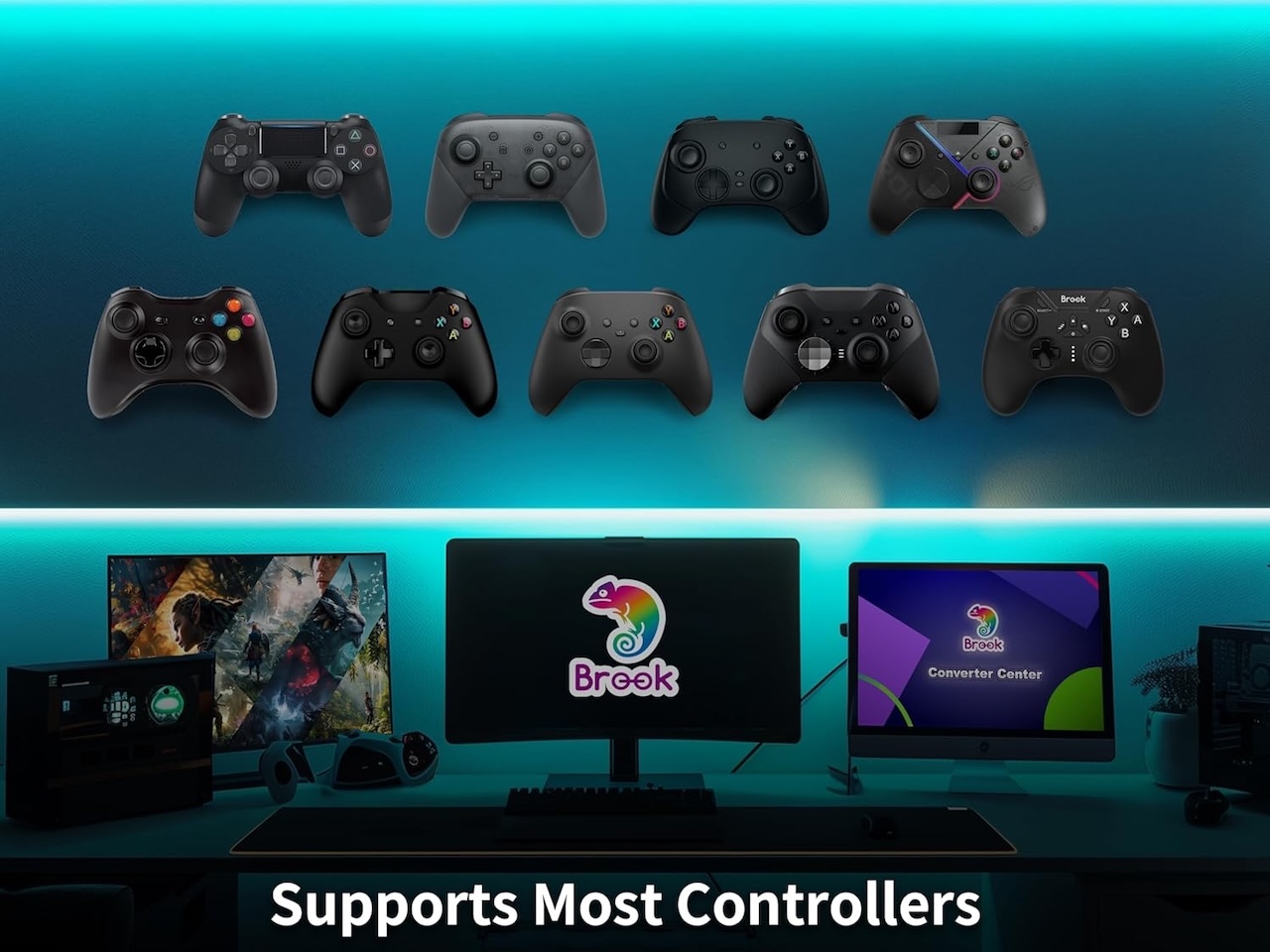
The adapter measures 7.7 x 2.14 x 1.1 cm and weighs 11 grams. It supports over 100 controllers, including Xbox Elite Series 2, standard Xbox wireless pads, PS4 DualShock 4, and Nintendo Switch Pro controllers. Plug it into a PS5 USB port, pair your controller wirelessly, and the console registers it as legitimate hardware.
Brook claims near-zero latency through that direct hardware link, though exact measurements aren’t in the press materials. The company’s tournament-grade fighting game converters show up at major FGC events regularly, which establishes some credibility on the input lag front. Independent testing will clarify whether “near-zero” translates to competitive viability or marketing optimism.
What This Solves That Other Adapters Don’t
Most wireless controller adapters force a choice. You can have wireless operation, but haptic feedback disappears. You keep motion controls, but only if you stay wired. Some adapters claim wireless support but route everything through Remote Play, which means your input lag depends on whether someone in your house just started streaming 4K video.
The 8BitDo Wireless USB Adapter supports multiple controllers but strips haptics when you go wireless. The Mayflash Magic-NS maintains some features but requires firmware updates for every console patch, and compatibility breaks regularly. The Cronus Zen technically works but introduces enough input delay that competitive players avoid it entirely. Brook’s approach treats the adapter as native hardware at the system level, which is why haptics and motion sensing survive the wireless connection.
You notice it immediately in games that lean on haptic feedback. Returnal’s DualSense effects communicate weapon state and environmental danger through vibration patterns. When you use an Xbox controller through most adapters, those cues vanish entirely. The Wingman P5 preserves them because it’s translating controller input at the hardware layer rather than emulating it through software.
Customization Depth
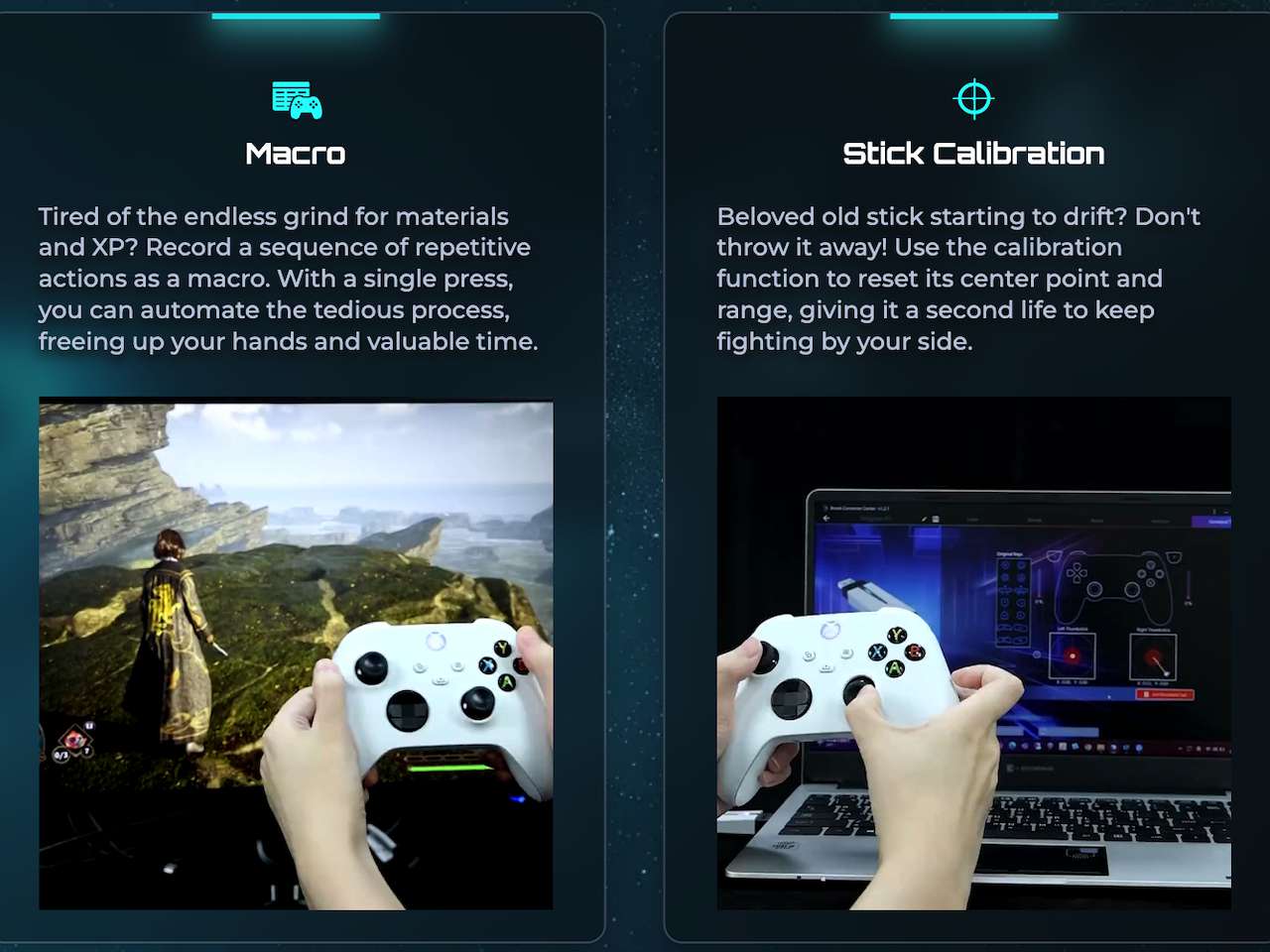
Brook’s Converter Center PC software opens configuration beyond basic remapping. You can program turbo functions for rapid-fire inputs, remap buttons to custom layouts, and build macros that collapse multi-step actions into single presses. Stick calibration addresses controllers that developed drift or lost center accuracy over time, extending the usable life of older gamepads.
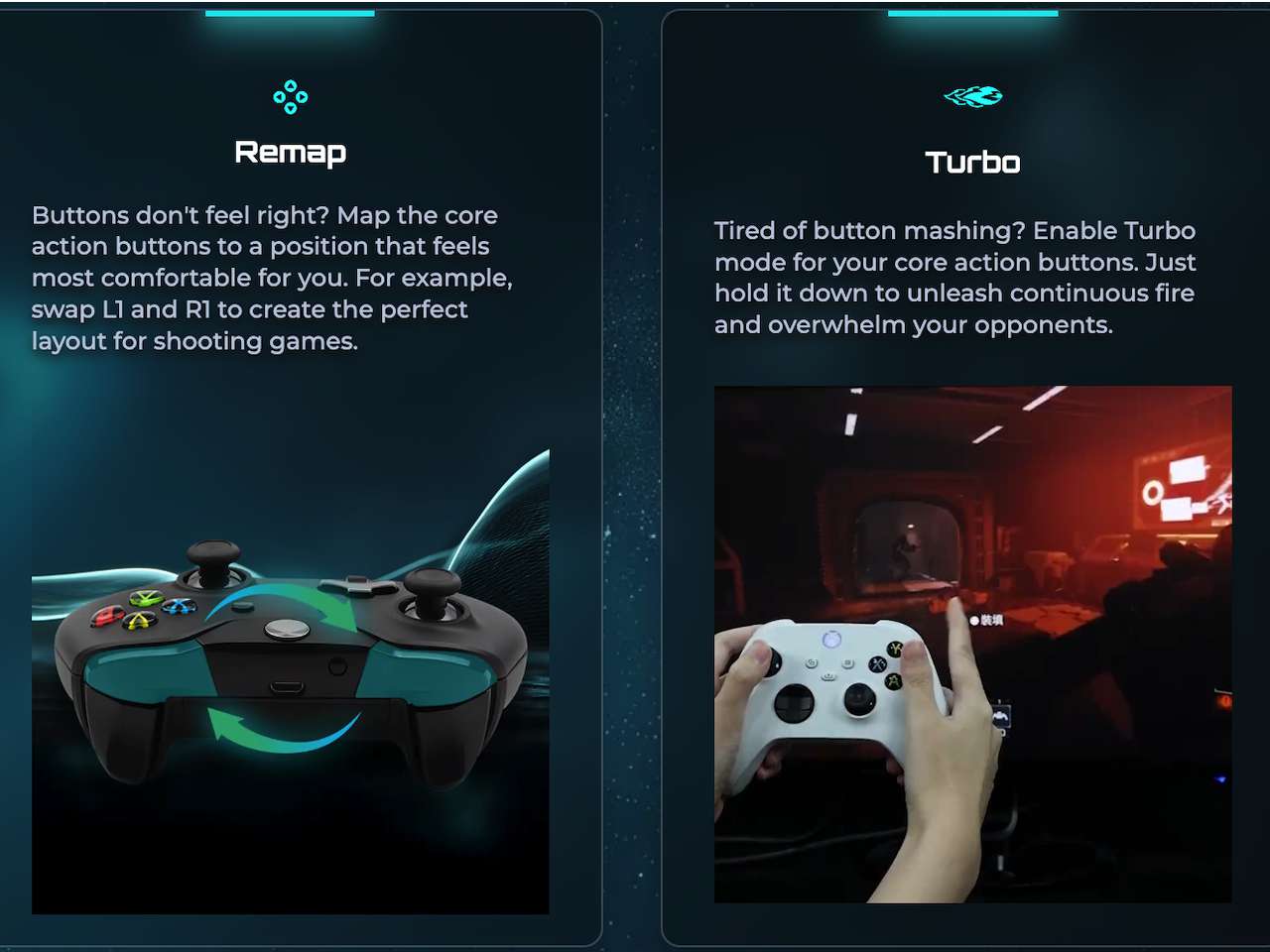
The software also handles firmware updates. Sony patches out third-party device support periodically, and Brook commits to maintaining compatibility as console software evolves. That commitment matters more than the features themselves—an adapter that works today but breaks after the next system update isn’t useful.
Why This Category Exists
Cross-platform players own multiple consoles but prefer using one controller across all of them. Muscle memory built over hundreds of hours doesn’t transfer when button layouts and grip angles change. An Xbox Elite Series 2 represents significant investment—using it on PS5 without losing wireless freedom or haptic feedback removes friction that shouldn’t exist in the first place. The paddle placement, trigger tension, and grip texture you’ve internalized on Xbox don’t suddenly become less valuable when you switch to PlayStation.
Competitive players need low-latency input and customization depth. Brook built its reputation in the fighting game community, where single-frame delays determine match outcomes. The Wingman P5 extends that hardware philosophy to anyone tired of keeping multiple premium controllers around or dealing with wired-only compromises. If you’ve spent $180 on an Elite Series 2 or $75 on a Pro Controller, using them only on their native platforms wastes that investment.
The adapter also addresses controller availability. PS5 DualSense stock fluctuates, and replacement costs add up quickly. If you already own premium controllers from other ecosystems, the Wingman P5 turns them into viable PS5 options without waiting for restocks or paying Sony’s controller pricing. That’s particularly relevant for households with multiple consoles where controller sprawl becomes expensive fast.

Availability
Price: $74.99
Where to Buy: Amazon
Orders are open through Brook’s website, Amazon, and regional retailers across the US, Europe, Australia, New Zealand, and Indonesia. A USB-A to Type-C adapter cable comes in the box, allowing the dongle to work with consoles that only have Type-C ports. The cable routing prevents the adapter from blocking nearby air vents during long sessions.
Love our content?
Sign up for our newsletter today.
No ads, no spam, just links to our latest articles!