

Share

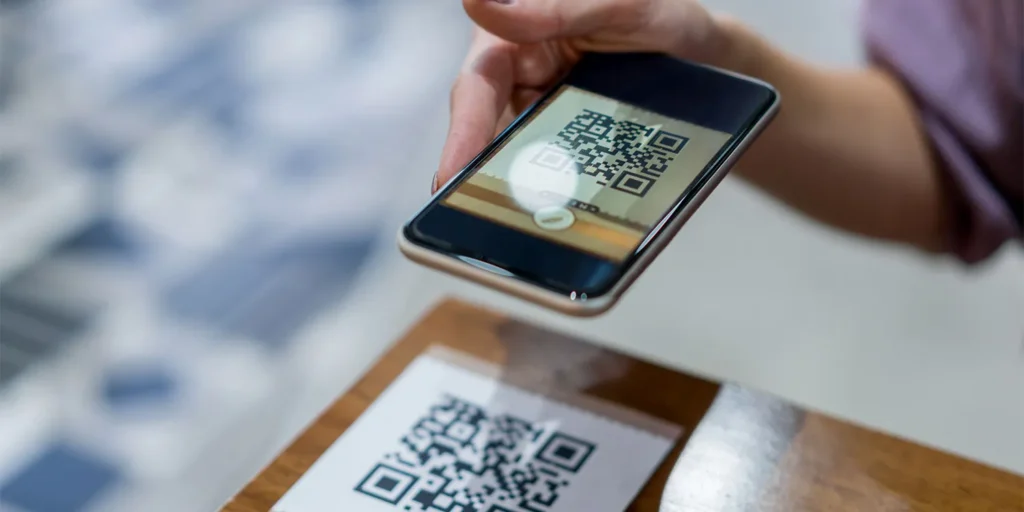
A new wave of cybercrime is turning physical mail into a digital trap, with research indicating that over 26 million people may have been lured onto malicious websites through deceptive QR codes.
Cybersecurity firm NordVPN has warned that scammers are increasingly moving away from traditional email phishing towards “quishing”- or QR code phishing – to steal personal data and financial information.
The rise in these incidents is often linked to a technique known as “brushing.” In these scenarios, individuals receive unexpected packages from anonymous senders. These deliveries often contain a cryptic note encouraging the recipient to scan an included QR code to “verify” a gift or discover the sender’s identity.
While the package may seem like a harmless mistake, experts warn it is a calculated entry point for data theft. “QR codes have become a silent gateway for cybercriminals,” explains Marijus Briedis, chief technology officer at NordVPN.
He notes that while many users have learned to spot red flags in emails, a physical QR code often feels “inherently trustworthy.”
The effectiveness of this method is bolstered by a lack of public caution. Data shows that 73% of Americans admit to scanning QR codes without verifying their legitimacy.
This is particularly concerning given that nearly 26% of malicious links are now delivered via QR codes. Once scanned, these codes can direct victims to phishing sites designed to capture login credentials, steal personal details, or even download malware directly onto a smartphone.
Marijus Briedis shares essential tips to help people protect themselves from brushing scams and malicious QR codes:
-
Before you scan a QR code, make sure you know where it has come from. Is it from a business you trust or someone you don’t recognize? If you’re unsure, don’t scan it. Reach out to the sender through their official contact information.
-
Most smartphones let you see a link to a website before you open it. Take advantage of this feature. If the link looks odd or isn’t what you expected, don’t continue.
-
Make sure your phone’s security software is always up to date. Use a VPN when browsing the internet. These steps help protect you from dangerous websites and data theft, even if you accidentally open a harmful site.
-
Help your friends and family stay safe by sharing these tips, especially with anyone who isn’t very comfortable with technology. Scammers often go after people who don’t know about these tricks.
Related Posts
Discover more from Tech Digest
Subscribe to get the latest posts sent to your email.